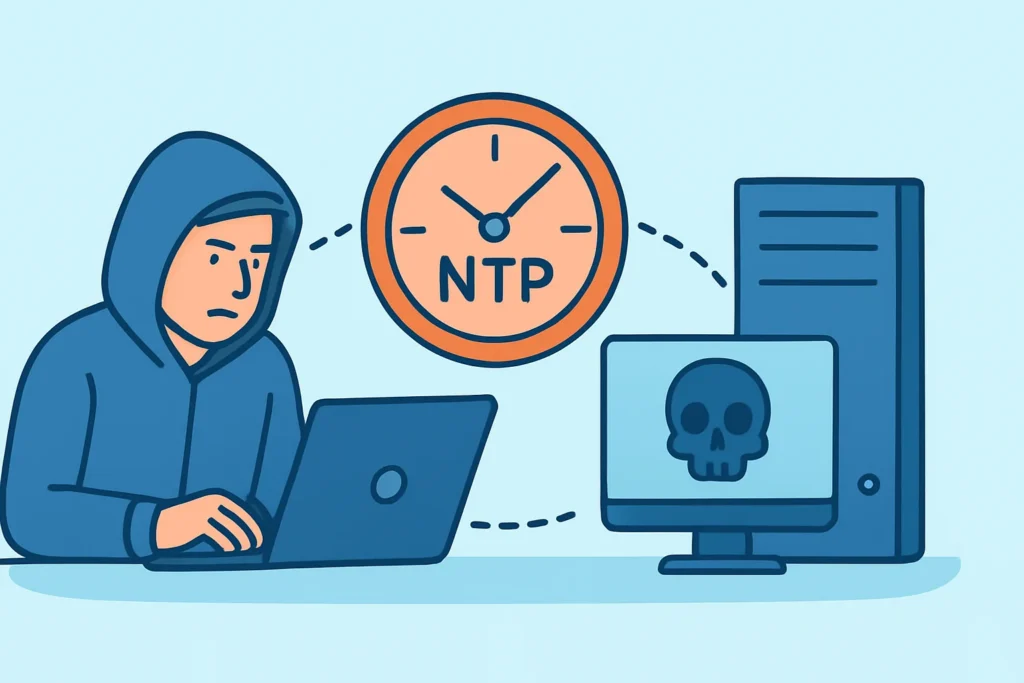
If UDP port 123 answers queries from anyone on the internet, your server may already be helping with an NTP reflection attack without you knowing. This article is for sysadmins and security engineers who run public-facing servers, network appliances or legacy infrastructure. It explains how NTP amplification works, how to find out whether your hosts can be abused, and which configuration changes stop the abuse without breaking time sync.
The immediate benefit is practical. A misconfigured time server can use up your outbound bandwidth, get your IP range blocklisted by upstream providers and create abuse reports that land on your desk weeks later.
How an NTP Reflection Attack Works
NTP runs over UDP, which has no handshake. An attacker sends a small request to your server with a forged source address set to the victim’s IP. Your server sends its reply to the victim, and that reply can be many times larger than the request.
The classic abuse vector is the monlist command, a mode 7 private query in the reference ntpd implementation. It returns the last 600 hosts that talked to the server. A single request of about 234 bytes can produce dozens of response packets. US-CERT alert TA14-013A listed NTP’s amplification factor at roughly 556.9, which put it among the highest of any common UDP protocol at the time.
The vulnerability is tracked as CVE-2013-5211. In February 2014, Cloudflare reported an NTP-based attack against one of its customers that peaked close to 400 Gbps. It was one of the largest DDoS attacks recorded up to that point, and it relied on a few thousand vulnerable servers.
The UDP side of this matters more than people expect. If you want the broader picture of why connectionless protocols behave so differently in exposure terms, see TCP vs. UDP port risks.
Why NTP Amplification Has Not Gone Away
A common myth says NTP amplification was fixed in 2014 and is no longer worth checking. That is wrong. The fix came in ntpd 4.2.7p26, which removed monlist, but patched software only protects hosts that actually get upgraded.
Old ntpd builds are still common on embedded systems: IPMI and BMC controllers, older Cisco and Juniper gear, industrial gateways, NAS appliances and firmware images that have not been updated in a decade. These devices often ship with NTP server functionality turned on by default, and nobody thinks of them as servers.
Mode 6 queries (the ones ntpq uses, such as readvar) also amplify, just less dramatically. Usually the factor is in the single or low double digits. That is lower than monlist, but enough to make the host useful in a large reflection pool, especially when the attacker has thousands of hosts to pick from.
The same pattern shows up with other UDP services. Open resolvers and memcached on UDP 11211 were abused in very similar ways, as covered in memcached exposure and amplification risk.
A Realistic Scenario: The Out-of-Band Network Nobody Watched
Consider a mid-sized hosting setup with 40 physical servers. The production hosts run chrony with tight configs. The BMC interfaces were put on a “management” VLAN, but a routing change during a rack migration made a /28 of them reachable from the internet.
Three weeks later, the upstream transit provider sends an abuse notice: sustained outbound UDP from source port 123, about 800 Mbps at peak. Nobody on the team had looked at those IPs because they were “not servers.” The BMC firmware ran an ntpd build from 2011 with monlist enabled.
Changing the firmware took days because vendor updates had to be staged and tested. Blocking inbound UDP 123 at the edge took ten minutes. The lesson is simple: the exposure was in the parts of the network that weren’t being scanned, not in the fleet everyone paid attention to.
Step-by-Step: Testing and Hardening Your NTP Exposure
An experienced penetration tester starts with an external view, not an internal one. Run the scan from outside your network, because firewall rules and NAT behave differently from inside.
Step 1 is discovery. Run nmap -sU -p 123 –script ntp-info,ntp-monlist against your public ranges. UDP scans are slow and often report open|filtered, so expect some ambiguity and re-run on hosts that are borderline.
Step 2 is confirmation. On hosts that respond, try ntpdc -n -c monlist <host> and ntpq -c rv <host> from an external machine. If monlist returns a client list, the host is a high-grade amplifier. If only readvar answers, the risk is lower but still real.
Step 3 is configuration. On ntpd, add disable monitor and restrict queries with lines like restrict default kod nomodify notrap nopeer noquery plus the same for restrict -6 default. Allow full access only for 127.0.0.1 and ::1.
Step 4 is checking whether the host needs to be a server at all. Most machines only need to be NTP clients. With chrony, the daemon does not serve time unless an allow directive is present, and its command port (UDP 323) binds to localhost by default. That makes chrony a sensible default on modern Linux.
Step 5 is the edge. Block inbound UDP 123 at the perimeter for every host that is not an intended public time source. Make sure you only block unsolicited inbound traffic, so stateful return traffic for client sync still works.
Common Mistakes When Locking Down NTP
The first mistake is assuming client machines don’t listen. Windows hosts running w32time can bind UDP 123, and some Linux images ship ntpd configured as a server out of the box. If a port is open, it is reachable no matter what the machine is “for.”
The second mistake is trusting a version string. Some vendors backport fixes without changing the version number, and others report a patched number while running vulnerable code. Test the actual behavior with a monlist query instead of relying on the banner.
The third mistake is scanning only TCP. Plenty of port monitoring programs run fast TCP SYN scans and skip UDP because it’s slow. That leaves out NTP, DNS, SNMP, SSDP and memcached, which are exactly the services that matter for reflection. The same blind spot comes up with open DNS resolvers.
When the Standard Advice Does Not Apply
Some organizations have to run a public NTP server. Examples are pool.ntp.org contributors, ISPs serving customer CPE, and financial firms with timestamping obligations under MiFID II. Blocking UDP 123 is not an option for them. They should run current ntpd or chrony with query restrictions, apply rate limiting (the ratelimit option in chrony, limited plus discard in ntpd) and monitor outbound pps for anomalies.
Air-gapped and OT environments are the opposite case. A GPS-disciplined internal time source may have weak hardening, and that’s acceptable as long as segmentation is real and regularly checked. The risk returns when someone “temporarily” bridges that network.
Upstream providers can also help. Networks that implement BCP 38 ingress filtering make spoofing much harder, but you can’t rely on every other network doing it.
FAQ
Is UDP port 123 dangerous to leave open?
It depends on what responds. A current chrony or ntpd with noquery and no monitor gives very little amplification. An old ntpd with monlist enabled is a high-risk amplifier and should be fixed right away.
Will blocking inbound UDP 123 break time synchronization?
No, as long as your firewall is stateful. Client sync starts outbound, and the replies are allowed as established traffic. Only hosts that serve time to others need unsolicited inbound UDP 123.
How can I tell if my server was used in an NTP reflection attack?
Look for high outbound UDP volume from source port 123 in NetFlow or interface counters, a monlist table full of unfamiliar IPs, or abuse notices from your upstream provider. Historical scan data showing when the port first opened helps narrow down the window.
Key Takeaways for NTP Exposure
NTP amplification is old, well documented and still active, because the vulnerable hosts are usually the ones nobody treats as servers. Scan your full public range for UDP 123 from the outside, test monlist and mode 6 responses directly, and disable server functionality on anything that only needs to be a client.
One practical tip: add UDP 123 to the short list of ports you check after every network change, firmware update or rack move. Reflection exposure often comes back after the infrastructure changes, even when nobody touched the NTP config.