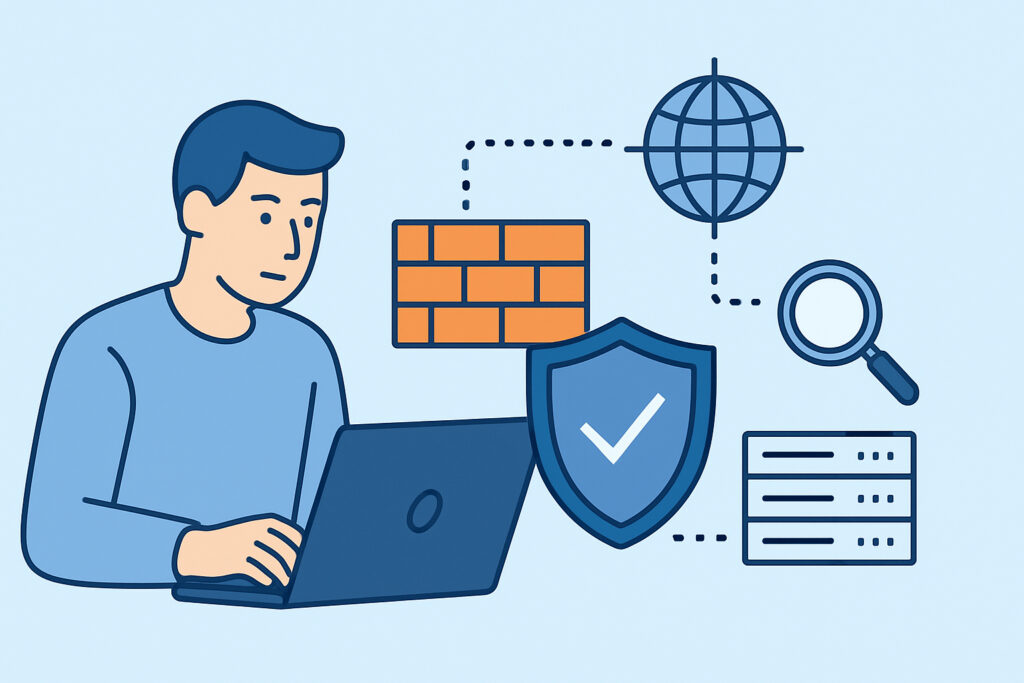
Validating firewall rules with external port scans is one of the most reliable ways to confirm that your firewall configuration is actually doing what you think it is. Security teams frequently discover a painful gap between the rules written in a firewall policy and what is truly visible and reachable from the public internet – and an external port scan is the most direct way to expose that gap.
This article walks through why firewall rule validation matters, how to do it correctly using external scans, and what common mistakes to avoid.
The Gap Between Policy and Reality
A firewall rule that exists in a configuration file is not the same as a firewall rule that works. Rules can be shadowed by earlier entries, overridden during a hotfix, or simply misconfigured at the syntax level. Cloud security groups get misconfigured during scaling events. NAT rules introduce unexpected port translations that bypass intended restrictions.
The only authoritative answer to “is this port actually blocked?” is to check from outside – from the same vantage point an attacker would use. Internal tooling, dashboards, and firewall management consoles all show you the intended state. An external port scan shows you the actual state.
Why Internal Checks Are Not Enough
Running a port scan from inside your own network – even from a DMZ segment – doesn’t replicate attacker perspective. Traffic from internal hosts often takes a completely different path through the network stack, bypassing edge firewalls entirely. You might get a “filtered” result internally while the port is wide open from the internet.
This is a well-documented problem in enterprise environments where network teams manage firewalls and security teams run compliance checks, but neither group consistently validates from an external vantage point. External scans beat internal checks precisely because they replicate the real threat path, not the trusted internal path.
There’s also the issue of split-horizon DNS and load balancers. The IP address your internal scan hits may not be the same IP your public DNS resolves to. External validation removes that ambiguity entirely.
What Firewall Rule Validation Actually Involves
Validation isn’t just running a scan and checking if a port appears open or closed. A meaningful validation process covers several layers:
1. Map your intended state first. Before scanning, document exactly which ports should be open, to whom, and why. This becomes your baseline. Without it, scan results are just a list of numbers with no context. A structured approach to creating port security baselines gives you a reference point to measure every future scan against.
2. Scan from a genuine external IP. Use a scanning service or a cloud instance in a different provider region – not your own network, not a VPN endpoint that might be whitelisted. The scan must originate from an IP that your firewall treats as untrusted.
3. Cover the full port range. Many teams scan only the top 1,000 ports and call it done. Attackers scan all 65,535 TCP ports and a significant portion of UDP. Services running on non-standard ports – remote admin tools, backup agents, monitoring daemons – are routinely missed by limited scans.
4. Check both TCP and UDP. UDP is frequently overlooked in validation exercises, yet UDP-based services like DNS resolvers, SNMP agents, and NTP servers have a long history of being exploited when left exposed.
5. Identify services, not just port states. An open port on 8443 could be a legitimate management console or a forgotten test application. Service fingerprinting tells you what’s actually listening, which is essential for assessing whether the exposure is intentional.
Busting the “Set and Forget” Firewall Myth
The most dangerous assumption in firewall management is that once rules are configured correctly, they stay correct. In practice, firewall configurations drift. A developer opens a port for debugging and forgets to close it. An auto-scaling group in AWS inherits a permissive security group from a template. A third-party vendor requests a temporary exception that becomes permanent.
Firewall rules can’t catch what they were never written to handle – and they certainly can’t catch changes made after the fact. Regular external scans turn validation from a one-time event into an ongoing control.
The practical standard for most environments is monthly validation at minimum, with automated alerting for any new ports appearing between scheduled scans. High-risk or compliance-driven environments should validate weekly or continuously.
Running a Validation Scan: Step by Step
Here’s a practical sequence that works for most server environments:
Step 1 – Define scope. List every public IP address and hostname in scope. Include IP ranges assigned to cloud instances, CDN origins if relevant, and any secondary IPs on multi-homed servers.
Step 2 – Record expected open ports. Pull this from your documented baseline. Common examples: 443 (HTTPS), 80 (HTTP redirect), 22 (SSH, restricted by IP), 25 (SMTP for mail servers). Everything else should be closed or filtered.
Step 3 – Initiate the external scan. Use a service that scans from outside your network perimeter. A continuous monitoring service adds value here because it runs this automatically and compares results against your known baseline.
Step 4 – Compare results against baseline. Any port appearing in the scan that isn’t in your expected list is a finding. Any expected port that appears with an unexpected service version is also a finding.
Step 5 – Investigate findings before closing. Confirm whether the port is legitimately needed before modifying firewall rules. Closing a port for an active service without coordination causes outages.
Step 6 – Update rules, re-scan to confirm. After making firewall changes, run another external scan to verify the change took effect. This step is skipped far too often.
Common Mistakes That Undermine Validation
Scanning your IP address but not validating hostnames that resolve to different IPs – especially after a CDN or proxy change – is a frequent blind spot. The hostname might point to an IP that isn’t in your scan scope.
Treating “filtered” as equivalent to “closed” is another error. A filtered port is not blocked – it’s dropping packets silently. While filtered ports are harder to exploit, they still indicate the service may be reachable and should be investigated.
Running validation scans with source IPs that are whitelisted in your firewall is perhaps the most self-defeating mistake of all. If the scanning IP gets automatic access, the results are meaningless.
Frequently Asked Questions
How is external port scan validation different from a vulnerability scan?
A port scan confirms which ports are reachable from the internet and what services are listening. A vulnerability scan goes further to identify specific known weaknesses in those services. Port scan validation is the first step – it establishes what’s exposed. Vulnerability assessment then evaluates the risk of each exposure.
How often should firewall rules be validated with external scans?
Monthly is a reasonable minimum for most environments. Any time a significant infrastructure change is made – new server deployments, security group changes, cloud migrations – a validation scan should be triggered immediately afterward, not scheduled for the next monthly cycle.
Can a firewall rule appear correct in the console but still allow traffic externally?
Yes. This happens more often than most teams expect. Rule ordering issues, conflicting policies across multiple firewall layers, NAT misconfigurations, and cloud provider quirks can all result in traffic reaching a server that the policy was intended to block. External validation is the only definitive check.
Summary
Firewall rule validation with external port scans is not a luxury – it’s a fundamental control. The firewall console shows you intent. The external scan shows you reality. Those two views should match, and when they don’t, that discrepancy represents real risk sitting on your network perimeter right now. Build validation into your regular security cadence, cover the full port range, check services not just port states, and always re-scan after making changes. The goal is no surprises – and the only way to achieve that is to check from the outside, regularly and systematically.