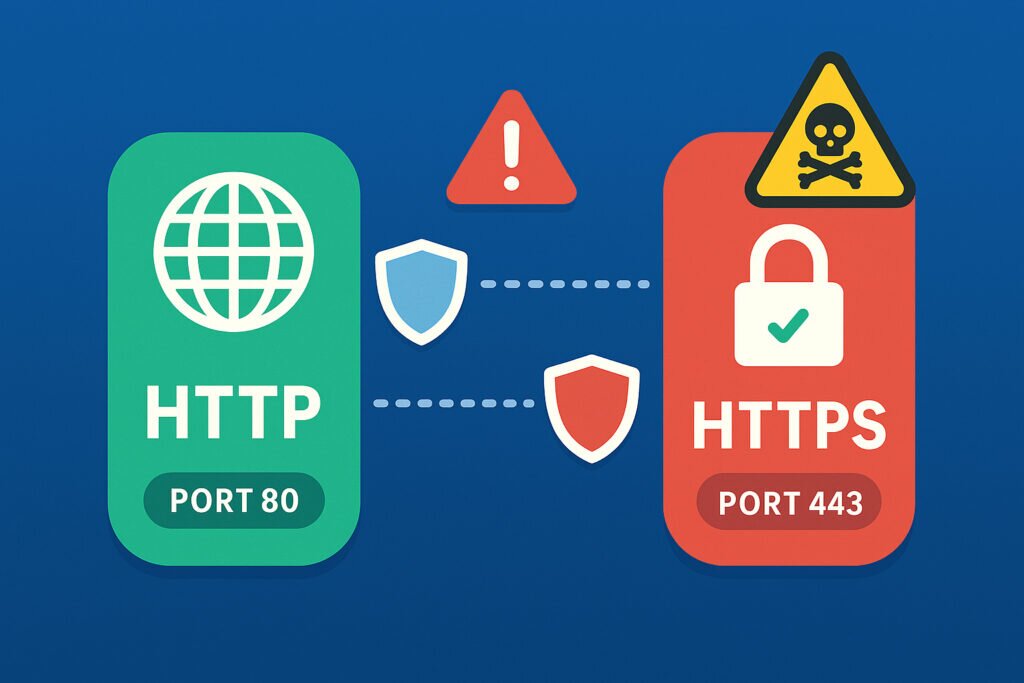
If you’ve ever wondered why some websites show that reassuring padlock icon while others don’t, you’re looking at the difference between HTTP and HTTPS in action. More importantly, if you’re running any kind of web service, understanding the security implications of these protocols and their associated ports could be the difference between a secure system and a compromised one.
Let me break down what every system administrator and website owner needs to know about HTTP and HTTPS ports, and why getting this right matters more than ever.
The Basics: Port 80 vs Port 443
HTTP traditionally runs on port 80, while HTTPS uses port 443. That’s the simple part. The complex part is understanding what this means for your security posture.
When I first started managing web servers back in the day, I made the rookie mistake of thinking that simply having HTTPS available was enough. I left port 80 open “just in case” someone typed the HTTP version of the URL. What I didn’t realize was that every open port is a potential attack vector, and port 80 was sitting there like an unlocked back door.
HTTP sends data in plain text. This means anyone intercepting the traffic between a user and your server can read everything – passwords, session tokens, personal information, the whole lot. HTTPS, on the other hand, encrypts this data using TLS (Transport Layer Security), making it virtually unreadable to anyone snooping on the connection.
Why Keeping Port 80 Open Can Be Dangerous
Many administrators keep port 80 open purely for redirect purposes – to automatically send HTTP traffic to HTTPS. While this seems harmless, it creates several security risks:
Man-in-the-middle attacks: An attacker can intercept that initial HTTP request before it gets redirected to HTTPS. They might strip out the redirect entirely, keeping the user on an insecure connection without them knowing.
Cookie theft: If any cookies are set before the HTTPS redirect happens, they could be transmitted in clear text and captured by attackers.
Increased attack surface: Every open port is another potential entry point. Vulnerabilities in your HTTP server configuration could be exploited even if you’re not actively serving content over HTTP.
I learned this lesson the hard way when monitoring one of my client’s servers. We discovered attempted exploits specifically targeting port 80, trying to bypass security measures that were only implemented on the HTTPS side. The attackers were banking on the assumption that port 80 would be less carefully configured.
The HSTS Solution
HTTP Strict Transport Security (HSTS) is one of the best defenses against these issues. When properly configured, HSTS tells browsers to only connect via HTTPS, even if the user types “http://” in the address bar.
Here’s what makes HSTS powerful: once a browser has seen the HSTS header from your domain, it will automatically convert all future HTTP requests to HTTPS before they even leave the user’s computer. This eliminates the vulnerable initial HTTP request entirely.
However, HSTS isn’t perfect. The first time a user visits your site, they’re still vulnerable during that initial connection. This is why major sites get themselves added to browsers’ HSTS preload lists – essentially hardcoding their HTTPS-only requirement directly into browsers.
Should You Close Port 80 Entirely?
This is where practical considerations come in. In an ideal world, yes, closing port 80 entirely would reduce your attack surface. But in reality, most organizations keep it open for redirects because users still type “http://” or click old HTTP links.
The compromise I’ve found works best is this: keep port 80 open, but configure it to do nothing except immediately redirect to HTTPS with a 301 redirect. Crucially, implement HSTS so that after the first visit, browsers skip port 80 entirely.
Make sure your port 80 configuration is minimal – just enough to perform the redirect and nothing more. Don’t run the same full web server configuration on both ports. This reduces the code and potential vulnerabilities exposed on port 80.
Common Misconceptions About HTTPS
One myth I hear constantly is that HTTPS is only necessary for e-commerce sites or login pages. This is dangerously wrong. Every site should use HTTPS, period. Even if you’re not handling sensitive data, HTTPS prevents attackers from injecting malicious code into your pages or tracking your users’ browsing habits.
Another misconception is that HTTPS significantly slows down your site. While encryption does require some processing power, modern servers and the HTTP/2 protocol (which requires HTTPS) actually make HTTPS sites faster in most cases.
Monitoring Your Ports
Here’s something that surprises many administrators: ports can become exposed without your knowledge. Software updates, configuration errors, or even malware can open ports you didn’t intend to expose.
I’ve seen cases where a server had port 80 closed in the firewall, but a misconfigured application opened it anyway, creating a security gap nobody knew existed for months. Regular port scanning from an external perspective – the way an attacker would see your server – is essential. This is exactly why external monitoring services exist; they show you what the outside world can actually access, not just what you think you’ve configured.
Practical Steps to Secure Your Ports
First, audit what’s actually listening on your servers. Use netstat or ss commands to see all open ports, then verify each one is necessary and properly secured.
Second, implement proper firewall rules. If you must keep port 80 open, ensure it can only handle redirects. Consider rate limiting to prevent abuse.
Third, set up monitoring that alerts you if unexpected ports open or if your port configuration changes. What you don’t know can definitely hurt you.
Finally, review your SSL/TLS configuration regularly. Having HTTPS enabled isn’t enough if you’re using outdated protocols or weak cipher suites.
The Bottom Line
Understanding the security implications of HTTP versus HTTPS ports isn’t just theoretical knowledge – it’s practical protection for your systems and your users. Port 80 and port 443 aren’t just numbers; they represent fundamentally different security postures. One transmits data in the clear, exposing everything to potential interception. The other encrypts communications, protecting privacy and integrity.
The goal isn’t to eliminate port 80 from existence – that’s not realistic. The goal is to minimize its role, protect it properly, and ensure that actual sensitive communications only happen over HTTPS on port 443. Combined with tools like HSTS and regular security monitoring, you can maintain the convenience of automatic redirects while minimizing the security risks.
Take the time to audit your own servers. Check what ports are open, verify your HTTPS configuration, and implement proper monitoring. Your future self – and your users – will thank you for it.