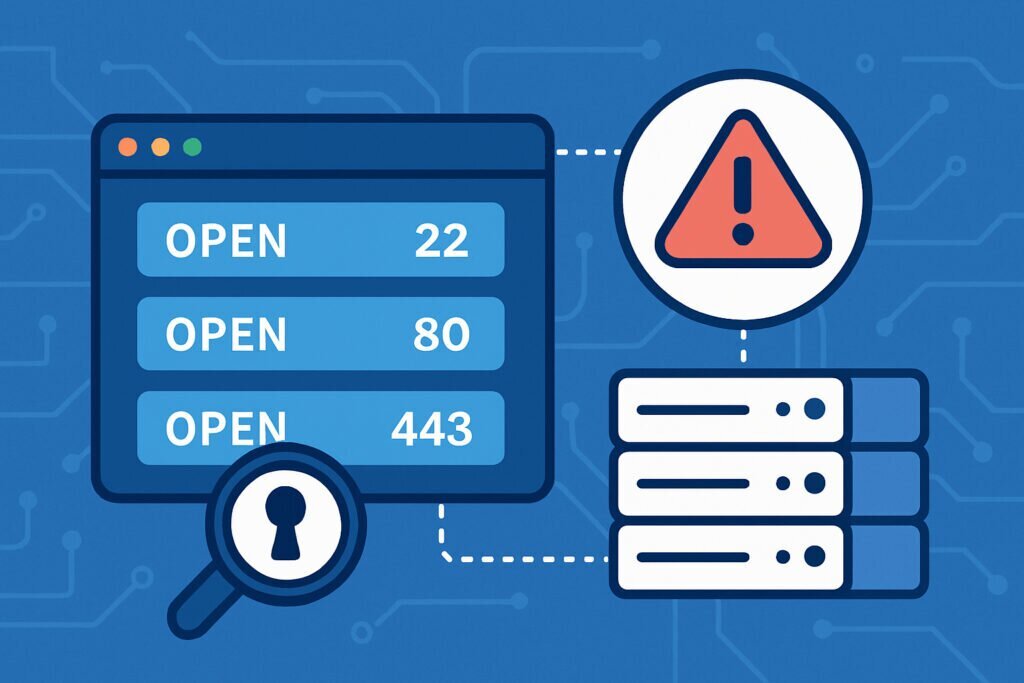
If you manage a server that’s exposed to the internet, you probably already know the basics: keep your software updated, use a firewall, disable root login over SSH. But here’s something that catches even experienced admins off guard — a port that wasn’t open yesterday is suddenly listening today. Maybe a developer installed something and forgot to mention it. Maybe a package update pulled in a new dependency that started a service. Or worse, maybe someone got in and opened a backdoor.
The problem isn’t just that ports open. It’s that nobody notices until it’s too late. Setting up alerts for new open ports is one of the simplest and most effective things you can do to stay ahead of trouble, and this article walks you through exactly how to do it.
Why Open Port Monitoring Matters More Than You Think
Every open port on your server is a door. Some of those doors you need — port 443 for HTTPS, port 22 for SSH, maybe port 25 if you’re running a mail server. But every unnecessary open port increases your attack surface. Attackers scan for open ports constantly using automated tools, and if they find an unexpected service running, they’ll probe it for vulnerabilities.
I learned this the hard way a few years back. I was managing a handful of Debian servers for different web projects. One day I noticed unusual traffic on a box that should have been running nothing but Nginx and SSH. Turned out a monitoring agent I’d tested weeks earlier had left behind a service listening on port 9100. It wasn’t doing anything malicious, but it was broadcasting system metrics to anyone who asked. That kind of leak is embarrassing at best and dangerous at worst.
The fix wasn’t complicated, but the real problem was that I had no idea it was there for weeks. That’s the gap that port alerting fills.
The Manual Approach: Scripting Your Own Port Checks
If you’re comfortable on the command line, you can set up basic port monitoring with tools you probably already have on your Debian server.
The simplest method is a cron job that runs ss or netstat periodically, compares the output to a known baseline, and sends you an email if anything changes. Here’s the general idea:
First, generate your baseline. Run ss -tuln to list all listening TCP and UDP ports. Save that output to a file, say /etc/portvigil/baseline_ports.txt. Review it carefully and make sure every port listed is one you expect.
Next, write a small shell script that runs the same command, compares the current output against the baseline using diff, and emails you if there’s a difference. Schedule it with cron to run every hour or however often makes sense for your environment.
This works, but it has real limitations. You’re only scanning from the inside, so you won’t catch ports that are open at the firewall level but not yet active on the host. The script needs maintenance — every time you legitimately add a service, you have to update the baseline. And if the server itself is compromised, an attacker could tamper with the script or its output.
External Scanning: Seeing What Attackers See
Internal checks are useful, but they don’t show the full picture. What really matters is what’s visible from the outside. If an attacker runs Nmap against your IP, what do they find?
This is where external port scanning becomes essential. You need something that connects to your server’s public IP from the outside, checks every port, and tells you when the results change. Running your own external scanner from a separate VPS is possible but adds complexity — you need to maintain another server, keep the scanner updated, and build your own alerting logic.
That’s exactly the kind of problem PortVigil is built to solve. You give it your server’s public IP, and it continuously scans from the outside, identifies open ports, checks what services and versions are running on them, and alerts you when something changes. It even cross-references discovered services against known vulnerabilities, so you don’t just find out that port 8080 opened — you find out that the Tomcat instance behind it has a critical CVE.
Step-by-Step: Setting Up a Practical Alerting Workflow
Whether you go with a manual script, an external service, or both, the process follows the same logic.
Step 1: Establish your baseline. Document every port that should be open on your server. Be specific — note the port number, the protocol (TCP or UDP), and the service behind it. If you can’t explain why a port is open, close it first and ask questions later.
Step 2: Choose your scanning method. For internal monitoring, set up the cron-based script described above. For external monitoring, register your IP with a service like PortVigil that handles the scanning and alerting automatically. Ideally, use both — internal for fast detection, external for the attacker’s-eye view.
Step 3: Configure your alerts. Email is fine for most people, but if you’re managing critical infrastructure, consider integrating alerts into Slack, a webhook, or your existing monitoring dashboard. The key is that the alert reaches someone who can act on it quickly.
Step 4: Define your response process. When you get an alert, what do you do? At minimum: identify the service on the unexpected port, determine if it’s legitimate, and either update your baseline or shut it down. Don’t just acknowledge and move on — every alert deserves a resolution.
Step 5: Review your baseline regularly. Services change over time. Schedule a monthly review of your port baseline to make sure it still reflects reality.
Common Myths About Port Monitoring
One thing I hear a lot is that a firewall makes port monitoring unnecessary. It doesn’t. Firewalls are essential, but misconfigurations happen. A rule gets deleted during a migration, or someone adds a temporary exception and forgets about it. Port monitoring catches what the firewall misses.
Another myth is that only high-value targets need to worry about open ports. In practice, automated scanners don’t care whether you’re running a Fortune 500 infrastructure or a personal blog. They scan everything and exploit whatever they find. Small servers often make attractive targets precisely because they tend to be less monitored.
Frequently Asked Questions
How often should I scan my ports? For most setups, hourly internal scans and daily external scans are a solid starting point. If you’re in a highly regulated environment or running sensitive services, increase the frequency.
Will port scanning trigger my hosting provider’s abuse detection? External scans from services like PortVigil are designed to be non-aggressive. If you’re scanning your own server from another VPS, keep the scan rate reasonable and notify your provider if needed.
What if I have dynamic services that open ports temporarily? Document those patterns and account for them in your baseline. Some monitoring tools let you whitelist port ranges or specific services so you don’t get flooded with false positives.
Can I monitor multiple servers? Absolutely. In fact, you should. The more servers you manage, the higher the chance that something slips through on one of them. Centralized alerting through a tool like PortVigil makes this manageable even with a large fleet.
The Takeaway
Setting up port alerts isn’t glamorous work. Nobody posts about it on social media. But it’s the kind of quiet, foundational security practice that separates well-run servers from ones waiting for an incident. Start with your baseline, set up both internal and external checks, and make sure alerts actually reach someone who’ll act on them. It takes an afternoon to set up and saves you from the kind of surprises nobody wants.