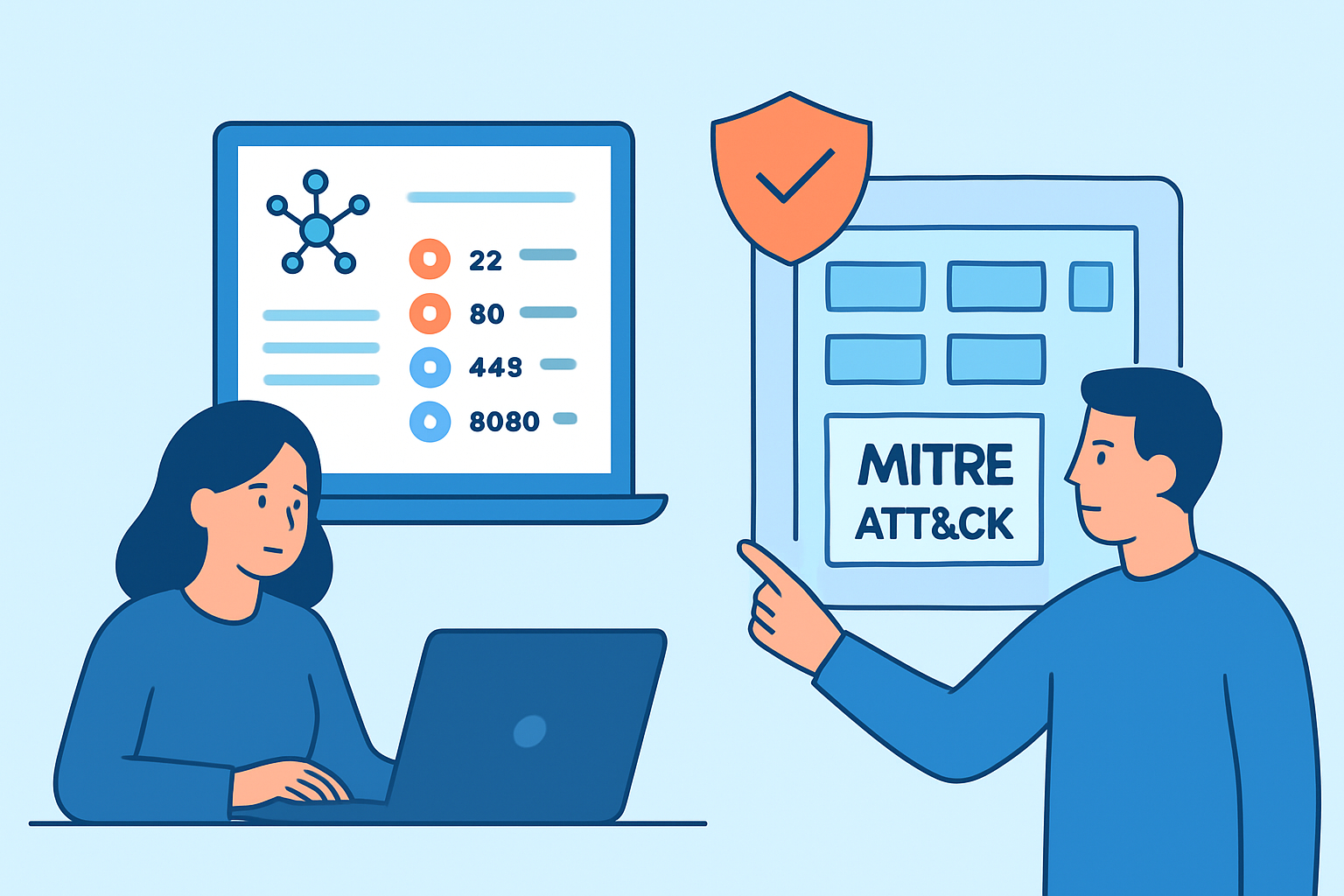
Knowing how to map port findings to the MITRE ATT&CK framework turns raw scan data into actionable threat intelligence. Instead of looking at a list of open ports and guessing what matters, you can align each finding to specific attacker behaviors – and prioritize remediation accordingly.
What MITRE ATT&CK Actually Is – and Where Port Scanning Fits
MITRE ATT&CK is a globally accessible knowledge base of adversary tactics and techniques based on real-world observations. It organizes attacker behavior into 14 tactics – from initial Reconnaissance through to Impact – with hundreds of specific techniques beneath each one.
Port data isn’t just relevant at one stage. Open ports, exposed services, and version information feed into multiple ATT&CK tactics depending on how an adversary uses them. Understanding this mapping helps defenders see their infrastructure the way attackers do.
The ATT&CK Tactics That Connect Directly to Port Exposure
Reconnaissance (TA0043) is where it typically starts. Techniques like T1595 (Active Scanning) and T1046 (Network Service Discovery) describe exactly what happens when a threat actor runs a port scan against your public IPs. Understanding how attackers use port scanning in the reconnaissance phase makes this connection concrete – they’re not guessing, they’re systematically inventorying your exposed services.
Initial Access (TA0001) is where exposed ports become entry points. T1190 (Exploit Public-Facing Application) covers attackers exploiting a vulnerable service listening on an open port. T1133 (External Remote Services) maps directly to exposed RDP, VPN, or SSH ports. If your scan shows port 3389 open to the internet, that’s a T1133 indicator, full stop.
Lateral Movement (TA0008) comes into play when internal ports are reachable from a compromised host. T1021 (Remote Services) includes sub-techniques for RDP, SSH, SMB, and VNC – all identifiable through port scanning. And Command and Control (TA0011) matters when non-standard outbound ports are in scope; T1571 (Non-Standard Port) is something continuous monitoring can surface.
Step-by-Step: Mapping a Port Scan Report to ATT&CK Techniques
This process works whether you’re reviewing a one-time report or building a repeatable workflow.
Step 1 – Collect your findings. Start with a complete external port scan of your public-facing infrastructure. Record every open port, the service detected, and the version where available.
Step 2 – Categorize by service type. Group findings into logical buckets: remote access services (SSH, RDP, VNC), database ports (3306, 5432, 27017), web services (80, 443, 8080), management interfaces (SNMP, Telnet, WinRM), and file sharing (SMB, FTP).
Step 3 – Look up matching ATT&CK techniques. Use the ATT&CK Navigator or search att&ck.mitre.org directly. For each service category, identify which techniques an adversary would use against it. RDP maps to T1133 and T1021.001. SMB on port 445 maps to T1021.002 and potentially T1570 (Lateral Tool Transfer). An exposed MongoDB port maps to T1190.
Step 4 – Assign severity based on technique prevalence. ATT&CK tracks which techniques appear most frequently in real incidents. Cross-reference your findings with technique prevalence data and threat group profiles. A technique used by dozens of tracked APT groups warrants higher urgency than one associated with a narrow, opportunistic threat actor.
Step 5 – Document and track remediation. For each finding, record the open port, the mapped ATT&CK technique ID, the risk level, and the remediation action. Prioritizing port security findings by risk level becomes significantly more structured when every finding carries an ATT&CK reference.
A Scenario Worth Recognizing
A security team runs a quarterly external scan and finds port 5985 open on a Windows server – that’s WinRM, Windows Remote Management. No alerts fire in the SIEM because no malicious traffic is flowing through it yet.
Mapped to ATT&CK, port 5985 corresponds to T1021.006 (Windows Remote Management). That technique appears in the playbooks of multiple threat groups, including ones known for targeting enterprise environments. The finding immediately escalates from “might be a problem” to “close this unless there’s a documented business need.” Without the ATT&CK mapping, it could sit in the backlog for weeks.
The Myth: ATT&CK Is Only for Incident Responders
A common misconception is that MITRE ATT&CK is primarily a post-incident tool – something you pull up after a breach to reconstruct what happened. In practice, it’s equally valuable as a proactive defense framework.
Mapping your current port exposure to ATT&CK techniques before an incident tells you exactly which techniques an attacker could exercise against your environment today. That’s a fundamentally different – and more useful – framing than waiting for an alert. Understanding your full attack surface is the prerequisite for this kind of proactive mapping, and port data is one of the most reliable inputs you can feed into it.
Keeping the Mapping Current Over Time
ATT&CK is a living knowledge base – new techniques are added as adversary behavior evolves. A mapping built last year may be missing techniques now actively used in the wild.
Run external port scans on a regular cadence, not just after infrastructure changes. Set up alerts for newly opened ports so you can assess and map them before they age into unnoticed risk. When a new CVE drops for a service you’re running, check which ATT&CK technique it enables – that connection isn’t always obvious from the CVE description alone.
Frequently Asked Questions
Does every open port need to be mapped to an ATT&CK technique?
Not every single port, but any port running a remote-accessible service should be mapped. Management services, remote access services, and exposed databases are the highest priority. Ports that are only reachable internally carry lower risk but are still worth documenting.
Can ATT&CK mappings help justify firewall changes to management?
Yes – and this is one of the most practical applications. Saying “port 3389 should be closed” is easy to deprioritize. Saying “port 3389 maps to T1133, a technique used by over 40 tracked threat groups for initial access, and there is no business requirement for it to be internet-facing” tends to move much faster through approval.
Is there a free tool for visualizing ATT&CK coverage?
MITRE provides the ATT&CK Navigator as a free, browser-based tool. You can use it to annotate which techniques your current port exposure enables – giving you a visual heat map of defensive gaps that’s easy to share with stakeholders.
Summary
Mapping port scan findings to the MITRE ATT&CK framework converts a list of open ports into a structured threat model. The process is methodical: categorize findings by service type, identify matching ATT&CK techniques, assign severity based on real-world prevalence, and document remediation with technique IDs attached. The biggest practical gain is prioritization – it separates ports that theoretically could be exploited from the ones that are actively targeted using techniques threat actors use right now.