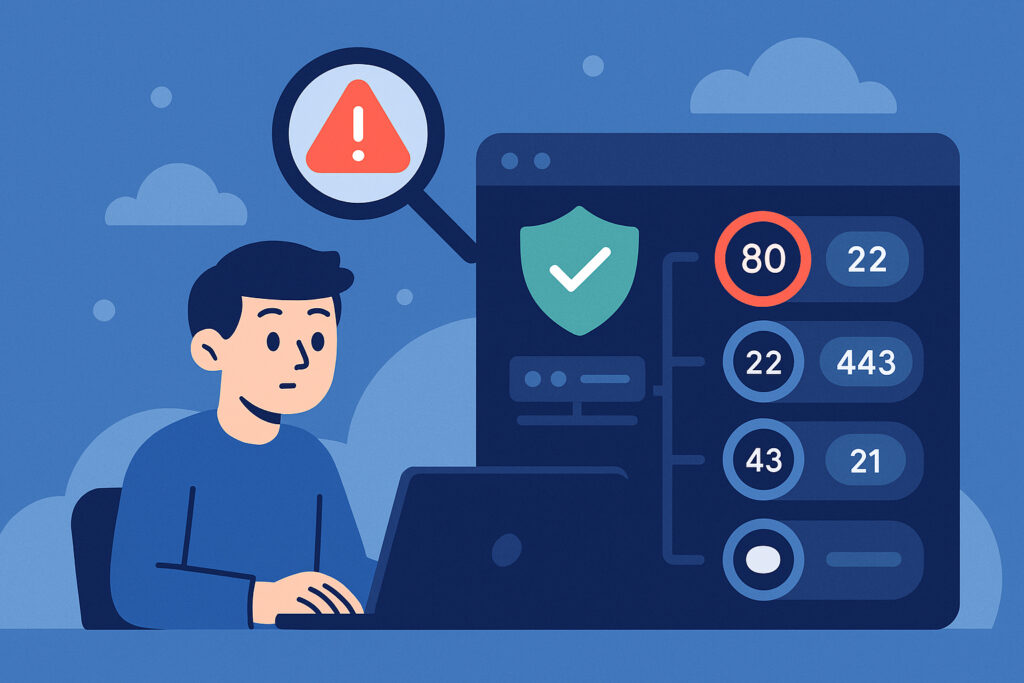
Every server facing the internet has dozens of potential entry points, and most sysadmins have no idea how many of them are sitting wide open. Identifying unnecessary open ports on your infrastructure is the single most impactful step you can take to shrink your attack surface before attackers find those entry points for you. I learned this the hard way when a routine audit on a staging server revealed 23 open ports — we were actively using three.
Each forgotten port is a window left unlocked. You might not think anyone will find it, but automated scanners are hitting millions of IPs every hour, probing for exactly those opportunities.
Why Every Unnecessary Open Port Is a Liability
An open port means a service is listening for connections. Every listening service is a potential foothold. Even if you’re confident that service is patched today, new CVEs drop constantly. The fewer services exposed to the public internet, the less you need to worry about zero-days you haven’t patched yet.
I’ve personally come across production MySQL instances on port 3306 accepting connections from anywhere, unauthenticated Redis on 6379, and backup agents listening on random high ports that nobody remembered configuring. None of these needed internet access. Every one of them was a breach waiting to happen.
Here’s the myth that trips people up: “My firewall rules are tight, so I know what’s open.” That’s almost never true. Firewall configurations are complex, rules contradict each other, and the only reliable way to know what’s exposed is to look from the outside in.
Start with an External Port Scan
Checking firewall rules or application configs from inside your network gives you an incomplete picture. You need to scan from outside — the same perspective an attacker has.
From a machine outside your network, run: nmap -p- -sV your-server-ip
The -p- flag scans all 65,535 TCP ports, not just the well-known range. The -sV flag fingerprints the service and version on each open port. This takes time but reveals things you won’t catch any other way.
If you manage multiple servers, doing this manually gets old fast. Continuous automated port scanning on a regular schedule catches changes that a one-time audit never will — like the developer who opens port 8080 for a quick test and forgets about it for six months.
Categorize What You Find
Once you have results, go through every open port and answer three questions: What service is running? Is it necessary for production? Does it actually need to be internet-accessible?
Common ports you’ll see include 22 (SSH), 80 (HTTP), 443 (HTTPS), and 25 (SMTP). Depending on your stack, maybe 3306 (MySQL), 5432 (PostgreSQL), or 6379 (Redis). Web traffic on 80 and 443 obviously stays open. SSH on 22 is usually needed — but does it need to accept connections from every IP on the planet?
Then there are the surprises. Port 8080 running a forgotten test server. Port 9000 left behind by a PHP-FPM installation. Port 10000 from a Webmin install nobody uses. These are your quick wins.
The Database Port Trap
Database port security deserves its own attention because exposing database ports is absurdly common and absurdly dangerous. If your database runs on the same server as your application, the database port has zero reason to face the internet. The app connects via localhost.
For separate database servers, use a private network or VPN tunnel. I once found a production PostgreSQL instance on 5432 accepting connections from any IP. The password was strong, sure — but that’s still one successful brute-force attempt from a full data breach. Strong passwords are a last line of defense, not the first.
Services like Redis, Memcached, and Elasticsearch are even worse. They’re often installed with no authentication at all because they’re designed for trusted internal networks. Exposing them publicly isn’t a misconfiguration — it’s handing over the keys.
Restrict Before You Close
Not every port needs to be shut entirely. The smarter move is restricting access to only the IPs that need it. SSH is the classic example — whitelist your office IP, home IP, or VPN endpoint and block everything else. Even if a critical SSH vulnerability drops tomorrow, attackers can’t exploit what they can’t reach.
For services you do need to close completely, make sure you understand what depends on them before pulling the plug. Closing unused ports without breaking services takes a bit of homework — check running processes, trace dependencies, and test in staging before touching production.
Don’t Forget IPv6
This catches more teams than you’d expect. You spend hours locking down your IPv4 firewall rules and forget that the server is also reachable over IPv6 with a completely different rule set — or no rules at all. If your server has an IPv6 address, scan it separately and apply the same restrictions.
Build a Repeatable Process
A one-time audit is good. A repeatable process is better. Infrastructure changes constantly — deployments, updates, new software, configuration drift. A port that’s closed today might reappear next month after an unrelated package update.
Set up external monitoring that scans your public IPs on a schedule and alerts you when something changes. This turns port security from a periodic chore into a continuous posture. The goal is minimizing your attack surface as an ongoing practice, not a one-off project.
Document what you find and what you change. When someone asks six months from now why port 10000 is blocked, you want an answer that doesn’t require another audit.
FAQ
How do I know if an open port is actually dangerous?
Any open port with a listening service is a potential risk, but the danger depends on what’s behind it. An unpatched service, one with default credentials, or one that doesn’t need internet access at all — those are the high-priority targets. The safest port is one that’s not open in the first place.
Can I just close all ports except 80 and 443?
For many web servers, that’s close to the ideal state. You’ll still need SSH access for management, but that should be IP-restricted rather than open to the world. The point is to justify every open port — if you can’t explain why it’s open and who needs to reach it, close it.
How often should I re-scan my infrastructure?
At minimum weekly, but daily is better for production environments. Infrastructure changes constantly, and a new open port can appear after any deployment or software update. Automated continuous monitoring is the most reliable approach because it catches changes the moment they happen rather than at the next scheduled audit.
The bottom line: your infrastructure is probably exposing more than it needs to. Run that external scan today, categorize what you find, and start closing or restricting ports methodically. Every unnecessary port you eliminate is one less thing you need to lose sleep over.