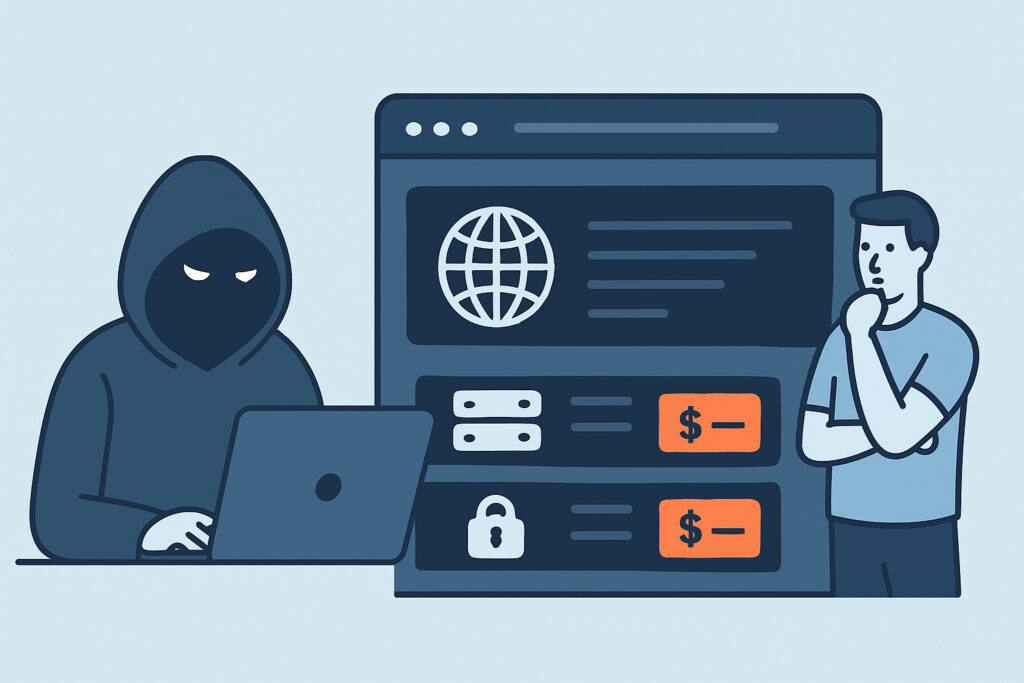
If your organization runs internet-facing RDP, VPN gateways or remote management panels, access to systems like yours may already be for sale. Dark web listings of exposed infrastructure access are the business side of most modern intrusions. A broker finds a reachable service, gets a foothold and sells it to whoever pays most. This article covers how these listings work, what they reveal about the exposed services behind them, and how to shrink your attack surface before your network becomes someone’s inventory.
How Initial Access Brokers Turn Open Ports into Products
Initial access brokers (IABs) are specialists. Most of them never deploy ransomware themselves. They scan, exploit or brute-force a service, confirm the access works, and then post an advert on a Russian-language forum such as Exploit, XSS or RAMP.
A typical listing reads like a classified ad: “US manufacturing, $50-100M revenue, RDP with domain user, ~300 hosts, AV: Defender.” The company name stays hidden until a buyer pays a deposit through the forum’s escrow. Prices vary widely. Low-privilege RDP to a single small-business server has long sold for tens of dollars, as it did on the xDedic marketplace before law enforcement shut it down in 2019. Domain admin access to a large enterprise can sell for several thousand dollars or more, often by auction.
Almost every listing starts with a service anyone can reach from the internet. The usual suspects are RDP on TCP 3389, SSL VPN portals on 443 or 10443, Citrix Gateway, VMware vCenter, SSH with weak passwords, and Exchange OWA. For how that access then gets passed to ransomware affiliates, see how ransomware gangs exploit misconfigured server ports.
What the Access Type in a Listing Tells You
The access type in a listing usually shows how the broker got in. “RDP” tends to mean password spraying or credential stuffing against a directly exposed port 3389. “VPN” or a named vendor such as “Fortinet” usually points to an unpatched or once-unpatched appliance.
The best-known example is CVE-2018-13379, a path traversal flaw in the FortiOS SSL VPN that leaked session files containing plaintext credentials. In September 2021, credentials for roughly 87,000 Fortinet devices were dumped on a forum, years after the patch came out. Many owners had updated the firmware but never reset their passwords, so the stolen credentials still worked.
The same thing happened after Pulse Connect Secure CVE-2019-11510 and Citrix ADC CVE-2019-19781. A patch ships, mass exploitation starts within days, and the harvested access keeps turning up in listings for months. Listings for a “webshell” or “cPanel” point to a compromised web app or hosting panel. A “shell on edge device” usually means a router or firewall management interface was reachable from the internet.
A Realistic Scenario: The Forgotten Jump Host
A mid-sized logistics company moves to a new VPN in spring. During the cutover, a Windows Server 2016 jump host keeps a NAT rule that forwards TCP 3389 from a secondary public IP. Nobody removes it. It’s “going away next quarter.”
Internet-wide scanners like the ones behind Shodan and Censys index the open port within hours. Password spraying starts the next day. The server’s Security log records thousands of failed logons a week, but nobody is reading it because it isn’t forwarded anywhere. In week six, a service account with a seasonal password like “Summer2024!” falls.
Two weeks later, a listing appears: “EU logistics, RDP, local admin, AD present.” A ransomware affiliate buys it. The network is encrypted on a Friday night, about ten weeks after the rule was left in place. Removing one firewall rule would have prevented all of it. The real failure was that nobody could see the exposure.
Myth: Dark Web Monitoring Gives You Early Warning
A lot of teams believe a dark web monitoring subscription will warn them before an attack. The order is wrong. By the time a listing exists, the broker already has working access. A listing marks the end of the exploitation phase, not the start.
Listings are also kept vague on purpose. Threat intelligence firms such as KELA, Recorded Future and Flashpoint match anonymized adverts to real victims, but even their matches are estimates. If a match is credible, treat it as an active incident, not a warning. Dark web monitoring is useful, but it tells you about damage already done. The control that actually prevents listings is knowing what you expose.
Reducing Exposed Infrastructure Access Step by Step
An experienced network security engineer starts from the attacker’s position: outside the perimeter, with no knowledge of internal documentation.
Step 1: Build an external inventory. Scan every public IP you own from outside your network. Include secondary IPs, cloud elastic IPs, old ISP-assigned ranges and anything a previous admin set up. Internal scans skip the firewall paths that matter here.
Step 2: Classify every remote access service. RDP, SSH, VPN, Citrix, vCenter, and out-of-band management such as iDRAC and HP iLO each need a named owner and a written reason for being exposed.
Step 3: Remove direct exposure. RDP should never face the internet directly. Put it behind a VPN or a gateway that enforces MFA, such as RD Gateway or Azure Bastion.
Step 4: Check versions on edge appliances. Use service detection to identify FortiOS, Ivanti, Citrix and SonicWall versions, then compare them against the CISA Known Exploited Vulnerabilities catalog. After patching any flaw that leaks credentials, reset every credential on that device.
Step 5: Monitor continuously. A quarterly scan would have missed the jump host completely. Alerts on new open ports should fire within hours, not weeks.
There are exceptions. In OT and industrial environments, the exposure often comes through vendor remote support: a TeamViewer install or a 4G router sitting on a PLC network. A cellular modem gets its public IP from the carrier, so scanning your own address ranges will never find it. Only a physical and vendor access audit will. Teams under 10 people usually do better with a managed VPN or zero-trust access service than with a self-hosted edge appliance they can’t patch within 48 hours.
Common Mistakes After a Suspected Listing
The first mistake is patching without rotating credentials. The Fortinet leak showed that a fixed vulnerability means nothing if the stolen passwords still work. Rotate VPN, local admin and service account credentials, and invalidate active sessions.
The second is closing the port and declaring victory. A broker who has held access for weeks has probably set up persistence: new local accounts, scheduled tasks, AnyDesk, or a reverse tunnel that doesn’t need the original port at all. Follow proper containment steps after finding a rogue listener before you assume the access is gone.
The third is trusting the listing’s details. Brokers inflate revenue figures and privilege levels, and sometimes understate them. Check your own logs instead: review authentication logs on the exposed service for at least the last 90 days.
FAQ
How quickly can an exposed port lead to a dark web listing?
Scanners usually find a new open port within hours. How soon a listing appears depends on how fast the broker gets in. Weak RDP credentials can fall within days to weeks, while access harvested from vulnerable appliances often appears months after the original exploitation.
Should I search dark web forums for my own company?
Usually not. Forums like Exploit and XSS vet new members and often require deposits, and joining can create legal and operational risk. A threat intelligence provider or your national CERT is the safer route. The money is better spent on reducing your exposure.
Does moving RDP to a non-standard port prevent this?
No. Full-range scanners find RDP on port 33890 almost as quickly as on 3389, and service detection identifies the protocol whatever port it runs on.
Summary: Close the Door Before It Gets a Price Tag
Dark web access listings are the result of exposure, not the cause of it. Each one traces back to a reachable service: an RDP port, an unpatched VPN appliance, or a management panel someone forgot about. Monitoring forums tells you after the fact. External port scanning, version-based risk checks and alerts on new open ports give you a chance to act before anyone gets in. The practical takeaway: every remote access service on a public IP needs a named owner, MFA, and a reason to stay open that gets reviewed regularly.