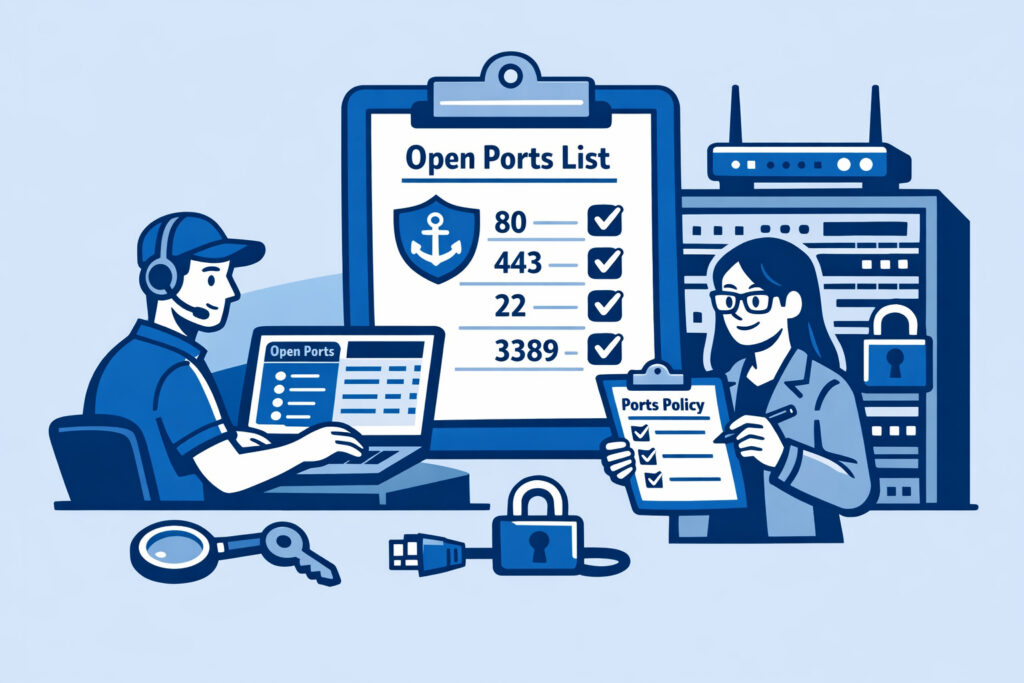
If you manage servers – whether it’s a handful of VPS instances or a sprawling enterprise fleet – you’ve probably been asked at some point: “Why is this port open?” Maybe it came from an auditor, a compliance officer, or your own security team after a routine scan. If you couldn’t answer confidently and immediately, you have a documentation problem. A well-documented open ports policy removes guesswork, speeds up incident response, and keeps auditors off your back. This article walks you through how to document your legitimate open ports policy so every open port on your infrastructure has a clear owner, a justified reason, and a review date.
Why Most Organizations Skip This – and Pay for It Later
Here’s the reality. Most teams treat port documentation as something they’ll “get to eventually.” Servers get deployed, services get added, firewall rules accumulate like sediment. Six months later, nobody remembers why port 8443 is open on the staging server or who approved it.
Then an incident happens. Or a PCI DSS auditor shows up and asks for evidence that every open port serves a documented business purpose. Suddenly you’re scrambling through Slack history and old tickets trying to reconstruct decisions made months ago.
The myth here is that a firewall rule list is your documentation. It isn’t. A firewall rule tells you what’s allowed – not why it’s allowed, who approved it, or when it should be reviewed. Those are fundamentally different things.
What a Legitimate Open Ports Policy Should Contain
Your policy document doesn’t need to be complex, but it needs to cover specific ground. At minimum, each approved open port entry should include:
Port number and protocol – TCP 443, UDP 51820, etc.
Service and application – Not just “web server” but “Nginx 1.26 serving the public API.” Version matters because it ties directly to vulnerability management.
Business justification – One sentence explaining why this port must be publicly reachable. “Required for customer-facing HTTPS traffic” is fine. “It was already open when I started” is not.
Owner – A real person or team responsible for this port. When something goes wrong at 2 AM, you need to know who to call.
Approval date and approver – Who signed off and when. This creates an audit trail.
Review schedule – Every open port should have a next-review date. Quarterly is common for most environments; monthly for high-security zones.
Compensating controls – What mitigations are in place? IP allowlisting, rate limiting, authentication requirements, TLS version enforcement.
Step-by-Step: Building Your First Open Ports Register
If you’re starting from scratch, here’s a practical approach that works without dedicated tooling.
1. Baseline your current state. Run an external port scan against every public IP you own. Internal scans miss things – what matters is what the internet can see. This is where identifying unnecessary open ports becomes your first real task. Export the results into a spreadsheet or database.
2. Classify each port. Go through the list and mark each port as “required,” “under review,” or “close immediately.” Anything you can’t justify in under 30 seconds probably belongs in the last category.
3. Assign owners. Every port gets a name attached. No exceptions. Unowned ports are the ones that stay open for years after the service behind them has been decommissioned.
4. Write the justifications. This is the part people resist, but it’s the core of the whole exercise. Force yourself to articulate why each port needs to exist. If you’re running third-party software, auditing those applications and the ports they listen on often reveals services you didn’t know were exposed.
5. Set review dates. Put them in a calendar system that actually sends reminders. A review date in a spreadsheet nobody opens is useless.
6. Get sign-off. Have a security lead or IT manager formally approve the register. This transforms it from “some document Dave made” into an official policy artifact.
Keeping the Policy Alive
A ports policy that sits in a shared drive and never gets updated is worse than no policy at all – it gives false confidence.
Tie your policy to your change management process. Every new server deployment should include a port justification step before going live. Use a port security checklist for new deployments so nothing slips through.
Automate the verification side. Continuous external port monitoring lets you detect drift – ports that appeared without going through your approval process. When your monitoring tool finds a port that isn’t in your register, that’s an immediate investigation trigger.
Schedule formal reviews quarterly. During each review, ask three questions for every entry: Is this port still needed? Is the service behind it still supported and patched? Are the compensating controls still adequate?
Connecting Your Policy to Compliance Frameworks
If you operate under PCI DSS, ISO 27001, SOC 2, or similar frameworks, your open ports policy maps directly to specific controls. PCI DSS Requirement 1, for instance, explicitly requires documentation of all allowed services, protocols, and ports with business justification.
Having a maintained register turns compliance evidence collection from a painful quarterly exercise into a five-minute export. Your auditors will notice – and appreciate it. For organizations where continuous port monitoring ties into compliance requirements, combining automated scanning with a documented policy creates a feedback loop that’s hard to beat.
A Practical Scenario
I’ve seen this pattern repeatedly: a mid-size SaaS company runs 40 servers across two cloud providers. Over two years, various teams deployed services, opened ports for debugging, set up temporary webhooks, and created test environments. Nobody documented anything beyond the initial Terraform configs – which had drifted significantly from reality.
When they finally ran a full external scan, they found 23 ports open that nobody could justify. Three of those were running outdated services with known CVEs. It took two weeks of detective work across four teams to sort out what was legitimate and what wasn’t. A maintained register would have made that a one-hour job.
FAQ
How often should I review my open ports policy?
Quarterly reviews work for most organizations. High-security environments – finance, healthcare, anything handling payment data – should review monthly. Any time there’s a significant infrastructure change, trigger an ad-hoc review regardless of the schedule.
What format should the policy document use?
Use whatever your team will actually maintain. A version-controlled spreadsheet works fine for smaller teams. Larger organizations benefit from a CMDB integration or a dedicated wiki page linked to their asset inventory. The format matters far less than the habit of keeping it current.
Should the policy cover internal ports too?
Start with publicly exposed ports – they represent your external attack surface and are what auditors focus on first. Once that’s solid, extend the practice to internal network segments, especially those bridging trust zones. Internal ports are lower priority but not zero priority.
Final Thought
Every open port is a decision. Documenting those decisions isn’t bureaucracy – it’s operational hygiene. Start with what’s exposed today, write down why each port exists, assign an owner, and set a date to check again. The first pass is the hardest. After that, it’s just maintenance – and it’s the kind of maintenance that pays for itself the first time someone asks “why is this open?”