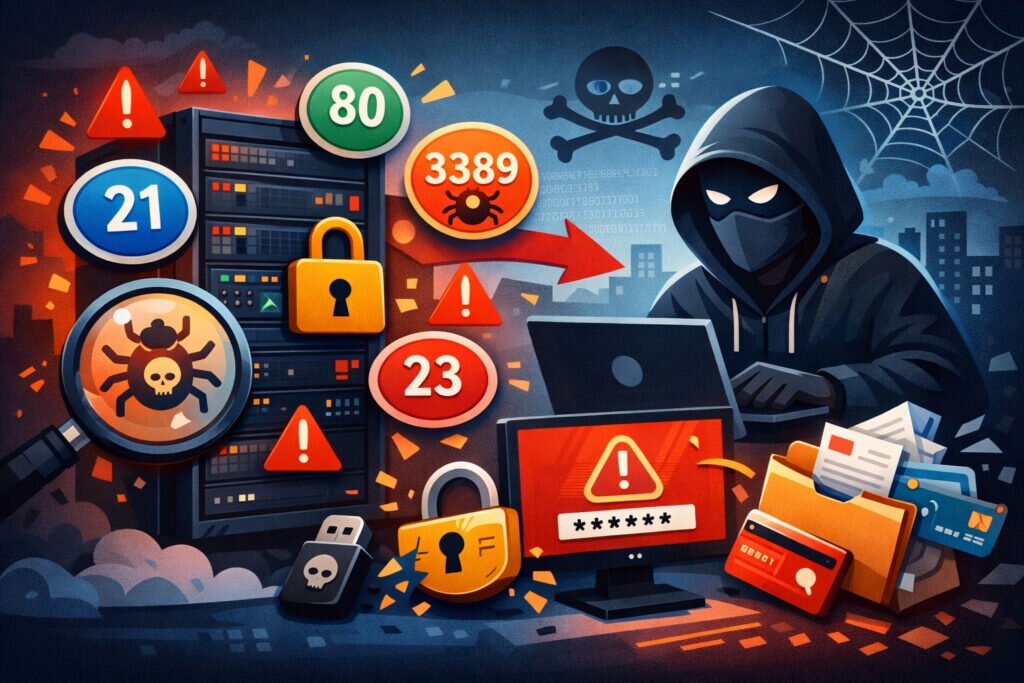
If you’re a sysadmin or security engineer managing production servers, common port misconfigurations are probably the single most preventable cause of breaches you’ll encounter. I’ve seen environments where everything else was done right — patching was current, code was reviewed, access controls were tight — and yet an overlooked port misconfiguration handed attackers the keys. This article walks through the most frequent port misconfigurations that lead to real-world breaches, why they happen, and exactly how to fix them before someone else finds them first.
Why Port Misconfigurations Are So Dangerous
The thing about port misconfigurations is that they’re silent. Unlike a failed login attempt or a crashed service, a misconfigured port just sits there, quietly listening, waiting for someone to connect. Attackers know this, and automated scanners are probing your public IPs around the clock looking for exactly these mistakes.
Most breaches from port misconfigurations share a common pattern: a service was exposed that shouldn’t have been, nobody noticed, and an attacker exploited it weeks or months later. The gap between misconfiguration and discovery is where the damage happens.
The Most Common Port Misconfigurations That Cause Breaches
1. Leaving database ports open to the internet. This is the big one. I’ve lost count of how many times I’ve found PostgreSQL (5432), MySQL (3306), or MongoDB (27017) listening on 0.0.0.0 with either weak credentials or no authentication at all. MongoDB had a particularly ugly stretch a few years ago where thousands of instances were exposed with default configs — no password, bound to all interfaces. Attackers wrote scripts that just wiped databases and left ransom notes. The fix was always the same: bind to localhost or a private interface and use firewall rules to block external access to database ports.
2. Exposing management interfaces on public IPs. Admin panels, cPanel, Webmin, phpMyAdmin, Kubernetes dashboards — these should never face the internet. Yet they regularly show up on common ports like 2082, 2083, 8080, 8443, or 10000. One scenario I’ve seen more than once: a developer spins up a staging server, installs Webmin for convenience, and forgets to restrict access. Three weeks later, someone brute-forces the login. Always bind management tools to localhost and access them over SSH tunnels or a VPN.
3. RDP wide open on port 3389. Remote Desktop Protocol exposed to the internet is an invitation for brute-force attacks and exploitation of unpatched vulnerabilities. RDP has had critical vulnerabilities like BlueKeep that allowed remote code execution with no authentication. If you absolutely need remote access, put it behind a VPN or use an RDP gateway with MFA. Never leave 3389 facing the public internet.
4. FTP and Telnet still running. It sounds like a problem from 2005, but FTP (port 21) and Telnet (port 23) are still found in production environments far more often than you’d expect. Both transmit credentials in plaintext. Sometimes they’re leftover from an old migration or a quick file transfer that was supposed to be temporary. If your scan results show these ports open, shut them down immediately and switch to SFTP or SSH. There’s no valid reason for FTP or Telnet to be exposed on a public-facing server today.
5. Default SNMP community strings on port 161. SNMP with “public” or “private” as community strings is essentially an open door to your network configuration. Attackers can enumerate interfaces, routing tables, and connected devices. If SNMP is needed, use SNMPv3 with authentication and encryption, and restrict access to specific management IPs.
6. Docker API exposed on port 2375/2376. This one is increasingly common. The Docker daemon API, if exposed without TLS authentication, gives anyone full control over your containers — including the ability to mount the host filesystem. I’ve seen this lead to complete host compromise within minutes of discovery. The Docker daemon should never listen on a public interface without mutual TLS.
The Myth: “My Firewall Handles All of This”
Here’s a misconception I hear constantly: “We have a firewall, so we don’t need to worry about port misconfigurations.” Firewalls are essential, but they don’t catch everything. Rules get updated, exceptions are made for testing and never reverted, cloud security groups get modified by someone who doesn’t fully understand the impact. A firewall is a policy — port monitoring is verification that the policy is actually working.
The only way to know what’s actually exposed is to scan from the outside looking in. Internal checks tell you what the OS thinks is running. External scans tell you what the rest of the world can actually reach. That difference matters enormously.
How to Find and Fix Misconfigurations Before Attackers Do
Step 1: Run an external port scan. Scan your public IPs from outside your network. Don’t rely on internal tools alone — you need the attacker’s perspective.
Step 2: Identify every listening service. For each open port, determine what application is running and its version. Unexpected services are the most dangerous ones.
Step 3: Apply the principle of least exposure. If a service doesn’t need to be public, bind it to localhost or a private interface. Use firewall rules as a second layer.
Step 4: Verify firewall rules match reality. Compare your intended rules with actual scan results. Any discrepancy is a misconfiguration.
Step 5: Set up continuous monitoring. One-time scans catch problems today. Continuous monitoring catches the misconfigurations that creep in next week when someone pushes a change at 11 PM on a Friday.
PortVigil handles this by performing regular external port scans against your public IP, detecting what’s listening on each port, identifying application versions, and flagging known vulnerabilities. It’s the outside-in view that closes the gap between your firewall policy and what’s actually exposed.
Frequently Asked Questions
How quickly can an attacker find a misconfigured port?
Fast. Automated scanners like Masscan can cover the entire IPv4 address space in under six minutes. Realistically, any new open port on a public IP is discovered within hours, sometimes minutes. Shodan and similar services index exposed services continuously, so the window between misconfiguration and discovery is shrinking every year.
What is the most dangerous single port misconfiguration?
Exposing a database port with default or no authentication is probably the highest-impact single mistake. It gives an attacker direct access to your data without needing to exploit any vulnerability — they just connect. The combination of easy access and high-value data makes it the misconfiguration most likely to result in a serious breach.
Can port misconfigurations affect compliance?
Absolutely. Standards like PCI DSS, HIPAA, and SOC 2 all require that unnecessary services are disabled and network exposure is minimized. A single unexpected open port found during an audit can result in a compliance failure, and the remediation timeline and documentation overhead can be significant.
Final Thought
Most port misconfigurations aren’t the result of incompetence — they’re the result of complexity. Servers change, teams grow, configurations drift. The organizations that avoid breaches from port misconfigurations aren’t the ones with perfect setups. They’re the ones who verify continuously. Scan from outside, compare against your expectations, and fix the gaps. It’s straightforward work, but it’s the work that prevents headlines.