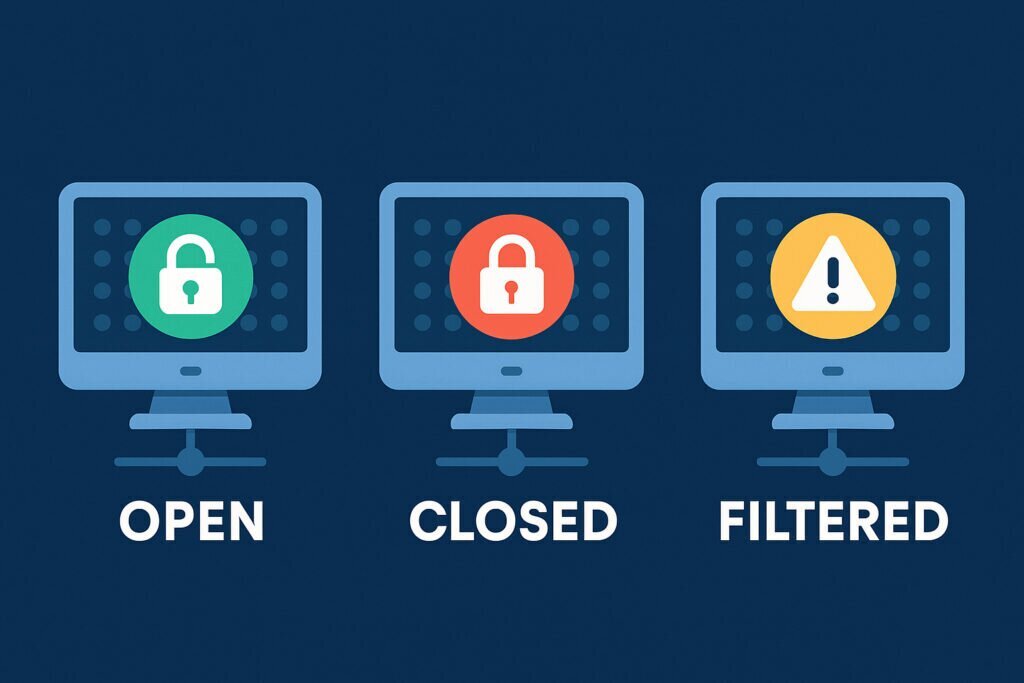
If you’ve ever run a port scan on your server and stared at the results wondering what “filtered” actually means or why a closed port is different from a filtered one, you’re not alone. These three port states — open, closed, and filtered — are fundamental to understanding your server’s security posture, but they’re surprisingly misunderstood, even among experienced sysadmins.
Knowing what each state means isn’t just academic. It directly affects how exposed your server is to attackers, how you troubleshoot connectivity issues, and how you prioritize your hardening efforts. Let’s break it all down so you can look at your next scan report with confidence.
What Is a Port, Really?
Before diving into states, a quick refresher. A port is essentially a numbered endpoint on your server that a specific service listens on. Your web server typically uses port 80 or 443, SSH usually sits on port 22, and so on. There are 65,535 TCP ports available, and each one can be in one of several states at any given time.
When a scanner like Nmap sends packets to these ports, the response — or lack of response — determines what state gets reported. That’s where things get interesting.
Open Ports: The Front Door Is Unlocked
An open port means there’s an application actively listening and accepting connections on that port. When the scanner sends a SYN packet, it gets a SYN-ACK back, completing the beginning of the TCP handshake. The service is running and reachable from the outside.
This is what attackers look for. Every open port is a potential entry point. That doesn’t mean open ports are inherently bad — your web server needs port 443 open to serve HTTPS traffic. But an open port running an outdated version of some service you forgot about? That’s a real problem.
I once spent an afternoon troubleshooting why a client’s server kept getting brute-force attempts on a port they swore they’d closed. Turned out they had disabled the main SSH service on port 22 but left an old configuration running an alternative SSH daemon on port 2222. It had been sitting there, wide open, for months. Nobody remembered setting it up. A simple external port scan would have caught it immediately, but they’d only been checking internally.
The lesson: you should always verify open ports from outside your network, not just from the server itself. Internal checks miss what the rest of the internet can actually see.
Closed Ports: Nobody Home, But the Address Exists
A closed port is reachable — the server responds — but no application is listening on it. The scanner sends a SYN packet and gets an RST (reset) packet back. The server is basically saying, “I’m here, but nothing is running on that port.”
Many people assume closed ports are perfectly safe. They’re safer than open ports, sure, but they still tell an attacker something valuable: the host is alive and reachable at that IP address. It also reveals that there’s no firewall blocking the connection, which is information an attacker can use during reconnaissance.
A properly secured server shouldn’t be responding to random port probes at all, which brings us to the third state.
Filtered Ports: The Silent Treatment
A filtered port gives the scanner no useful response. The packets are either dropped by a firewall, silently discarded, or the response is blocked somewhere along the way. Nmap reports this as “filtered” because it simply can’t determine whether the port is open or closed.
From a security perspective, this is generally the state you want for ports you’re not using. When a port is filtered, an attacker learns almost nothing. They don’t know if the port is open, closed, or if the host even exists. It slows down enumeration significantly and makes your server a much less attractive target.
On most Debian servers, you achieve this with iptables or nftables rules that drop packets to unused ports rather than rejecting them. The difference matters: a DROP rule creates a filtered state because there’s no response. A REJECT rule sends back an ICMP unreachable message, which actually confirms the host is there — more like a closed port behavior.
Common Myths Worth Clearing Up
One widespread misconception is that “closed” equals “secure.” It doesn’t. A closed port still responds to probes and confirms your server’s existence. Another myth is that filtered ports are somehow broken or misconfigured. In most cases, they’re the result of deliberate firewall rules doing exactly what they should.
Some people also believe that scanning their own server from the same network gives accurate results. It usually doesn’t. Internal scans bypass external firewalls, NAT rules, and cloud security groups, giving you an incomplete picture of what outsiders can reach.
Practical Steps to Improve Your Port Security
Start by running an external scan against your server’s public IP. Tools like Nmap work, but you need to scan from outside your network for accurate results. Alternatively, services like PortVigil perform continuous external scanning and alert you when something changes, which saves you from having to remember to check manually.
Once you have your scan results, go through each open port and ask yourself: does this service need to be accessible from the internet? If not, either stop the service or add a firewall rule to filter that port. For services that must stay open, make sure they’re running current versions and are properly configured.
Set your default firewall policy to DROP rather than REJECT for incoming connections. Then explicitly allow only the ports you need. On a typical web server, that might be just ports 80, 443, and your SSH port. Everything else should be filtered.
Finally, don’t treat this as a one-time task. Services get installed, configurations change, and new ports can open without you noticing. Regular external scanning catches drift before attackers do.
Frequently Asked Questions
Is a closed port dangerous? Not directly, but it reveals information about your server. Filtered is always preferable for unused ports.
Can a filtered port still be attacked? It’s much harder. The attacker doesn’t even know if anything is there. However, sophisticated techniques can sometimes infer information behind filters, so filtering alone isn’t a complete defense.
How many ports should be open on a typical server? As few as possible. A well-configured web server might have only two or three ports open publicly. Every additional open port increases your attack surface.
Should I use DROP or REJECT in my firewall rules? For external traffic, DROP is generally better. It gives away less information. For internal networks, REJECT can be more practical since it provides immediate feedback for troubleshooting.
Understanding these three port states is one of the most practical things you can do for your server security. It turns a confusing scan report into an actionable checklist and helps you make smarter decisions about what to expose and what to lock down.