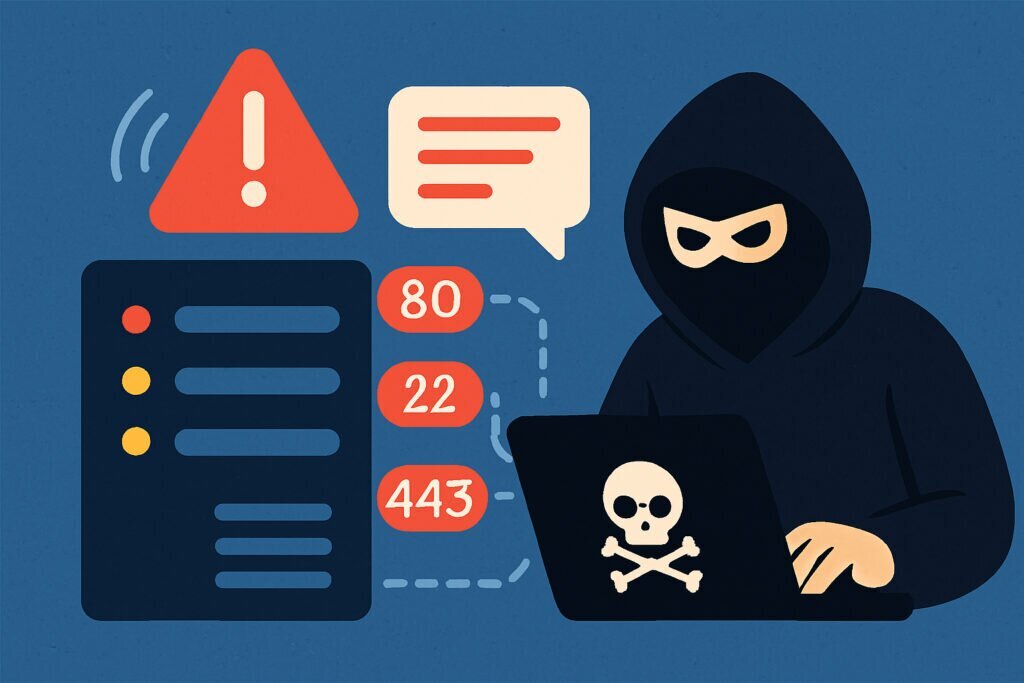
If you’re running a server, whether it’s a small business website or a complex infrastructure with dozens of services, there’s something you need to understand: hackers are already looking at your ports. Not tomorrow, not next week. Right now. Automated scanners are sweeping the entire IPv4 address space constantly, and your server is just another target in the queue. The question isn’t if they’ll find your open ports. It’s what happens next.
First Contact: The Automated Scan
Most people imagine hackers as hooded figures manually probing servers. The reality is far less dramatic and far more dangerous. The vast majority of initial port discovery is done by automated tools like Masscan and Shodan crawlers that scan millions of IP addresses per hour.
When one of these tools hits your server and finds port 22 (SSH), port 3306 (MySQL), or port 8080, it logs the information. Your IP, the open port, and often a version string get added to a database. Many of these databases are publicly searchable. Your open ports aren’t a secret.
I’ve seen this firsthand. One time, a fresh Debian server was deployed with default SSH on port 22 and a temporary Apache instance on port 8080. Within 40 minutes, the auth.log was already filling up with brute-force attempts from IPs across three different countries. The server hadn’t even been announced to anyone yet.
What Hackers Do With Open Port Information
Finding an open port is just the beginning. Here’s what typically follows.
Banner grabbing and fingerprinting. The attacker connects to the open port and reads whatever the service sends back. An SSH server might respond with “OpenSSH_8.4p1 Debian-5,” revealing the exact software version and operating system.
Vulnerability matching. Armed with the version info, the attacker checks public databases like CVE or uses tools like Metasploit to find known exploits. This process is almost entirely automated for common services.
Exploitation or brute-forcing. Depending on the service, the attacker either exploits a known vulnerability or starts brute-forcing credentials. If you’re running MySQL on port 3306 exposed to the internet with a weak root password, it’s essentially an open invitation.
Post-exploitation. Once inside, the attacker escalates privileges, installs backdoors, and starts using your server for cryptomining, launching attacks, hosting phishing pages, or stealing data. Many compromised servers run for weeks before anyone notices.
The Myth of “I’m Too Small to Be a Target”
This is probably the most dangerous misconception in server security. Automated scanners don’t care if you’re a Fortune 500 company or a freelancer running a WordPress blog on a VPS. They scan everything. Smaller operations are often easier targets because they tend to have weaker security and less monitoring.
Every open port is an opportunity. An attacker doesn’t need to know who you are. They just need one vulnerable service to get a foothold.
Which Ports Are Most Dangerous?
Port 22 (SSH) is the number one target for brute-force attacks worldwide. Port 3389 (RDP) has been the entry point for countless ransomware incidents. Ports 3306 (MySQL) and 5432 (PostgreSQL) exposed to the internet are a serious data breach risk. Port 23 (Telnet) and port 21 (FTP) both transmit credentials in plain text.
Even seemingly harmless ports can be problematic. A forgotten dev server on port 8080 or a test database that was never taken down can become entry points.
How to Protect Yourself
Start by knowing what’s actually open. You can’t protect what you can’t see. Run a scan against your own server from an external perspective. This is exactly what services like PortVigil do: they continuously scan your public IP from the outside, showing you exactly what an attacker would see. Continuous monitoring is critical because configurations drift and new ports can open unexpectedly after updates.
Close everything you don’t need. If you’re not using FTP, shut it down. If your database doesn’t need remote access, bind it to localhost only.
For ports that must stay open, harden the services behind them. Use key-based authentication for SSH. Keep software updated. Use fail2ban to block repeated failed login attempts. Consider changing default ports for commonly targeted services to reduce noise from automated scanners.
Frequently Asked Questions
Can an open port alone be dangerous? An open port itself isn’t harmful, but the service listening on it might be. If the service has vulnerabilities or weak credentials, the open port becomes the doorway to a compromise.
How quickly do attackers find new servers? Automated scanners typically discover new internet-facing servers within minutes to a few hours. There is no grace period.
Is closing all ports except 80 and 443 enough? It’s a great start, but you also need to ensure the web server and application behind those ports are properly secured.
How often should I scan my own servers? Ideally, continuously. At minimum, scan after every configuration change or software update. Automated monitoring tools like PortVigil handle this so nothing slips through the cracks.
The Bottom Line
Every unnecessary open port is a risk you’re carrying for no reason, and every unmonitored port is a blind spot an attacker can exploit. The difference between a secure server and a compromised one comes down to visibility. If you know what’s open, you can defend it. If you don’t, you’re just hoping nobody notices. And as those auth.log entries from the 40-minute-old server prove, hope is not a security strategy.