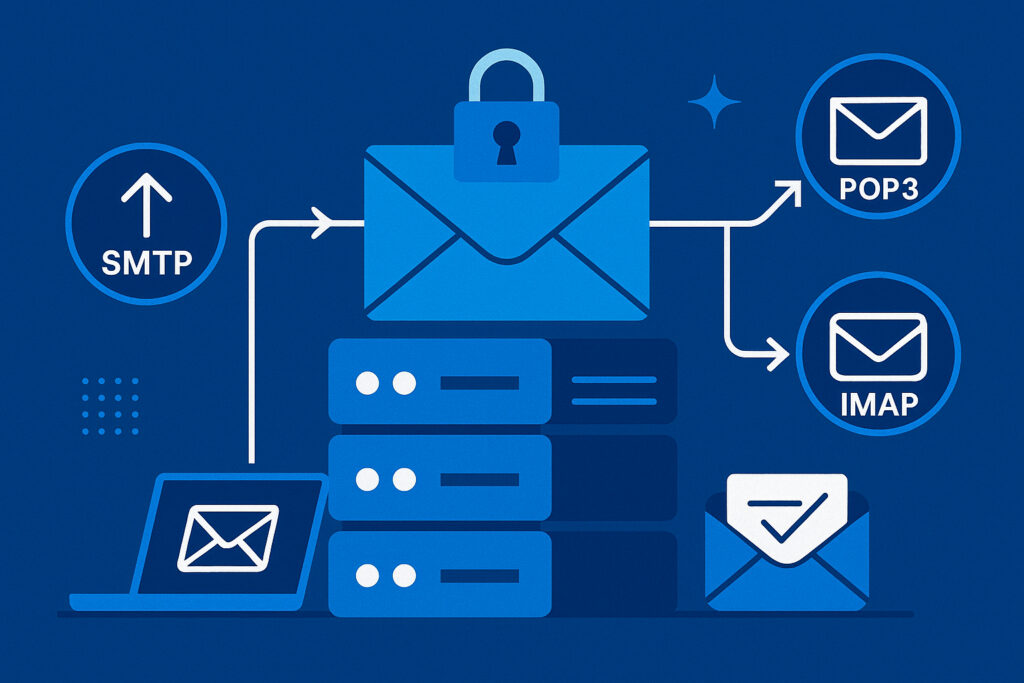
If you run any kind of email server, understanding which ports to use and how to secure them isn’t just a technical nicety—it’s essential for keeping your mail flowing and hackers out. Email servers expose multiple ports to the internet, and each one represents a potential entry point for attackers. Getting your port configuration wrong can mean anything from emails bouncing back to your entire server being compromised.
I’ve been managing email servers for years, and I still see the same mistakes repeated over and over. Open ports that shouldn’t be open, unencrypted connections still active, outdated protocols running alongside modern ones. The good news is that with the right setup, you can have a secure, reliable email server that doesn’t keep you up at night worrying about security scans.
Understanding the Core Email Ports
Let’s start with the basics. Email uses three main protocols, and each has its own set of ports. SMTP (Simple Mail Transfer Protocol) is for sending mail. IMAP (Internet Message Access Protocol) and POP3 (Post Office Protocol version 3) are for receiving mail. Each protocol has both standard and secure versions, which is where things get interesting.
SMTP traditionally uses port 25, but also operates on ports 587 and 465. IMAP uses port 143 for standard connections and 993 for secure connections. POP3 uses port 110 and 995 for its secure version. The pattern here is important: the higher port numbers are almost always the encrypted, secure versions.
SMTP Ports: Which One Should You Actually Use?
Here’s where I see the most confusion. Port 25 is the original SMTP port, and it’s still used for server-to-server communication. However, you should never use port 25 for client submissions anymore. Many ISPs block it to prevent spam, and it typically doesn’t require authentication.
Port 587 is the modern standard for mail submission. This is what your email clients should use to send mail. It requires authentication and supports STARTTLS, which upgrades the connection to encrypted. This is your go-to port for outgoing mail in 2025.
Port 465 was briefly designated for SMTPS (SMTP over SSL), then deprecated, then un-deprecated. It’s now officially recognized again for implicit TLS connections. Some email clients prefer it, and it’s perfectly secure if you’re using it with TLS from the start.
About two years ago, I had a client whose emails suddenly stopped sending. After some investigation, I discovered their ISP had quietly started blocking port 25. We switched their mail client to port 587, and everything worked perfectly. That’s when I started proactively moving all clients to port 587, regardless of whether they were having issues. It just saves headaches down the road.
IMAP and POP3: Modern Best Practices
For receiving email, IMAP has largely won the battle against POP3. IMAP keeps messages on the server and syncs across devices, while POP3 typically downloads and deletes them. Unless you have a specific reason to use POP3, stick with IMAP.
Always use the secure ports: 993 for IMAP and 995 for POP3. The unencrypted versions (143 and 110) should ideally be disabled entirely, or at minimum configured to immediately upgrade to TLS using STARTTLS. There’s simply no good reason to transmit email credentials in plain text in 2025.
Security Configuration Step by Step
First, audit what’s actually running on your server. Use a port scanning tool or service to check which ports are open to the internet. You might be surprised to find ports open that you didn’t realize were exposed.
Second, disable any unencrypted ports you’re not using. If you’re running Postfix, this means commenting out or removing the port 110 and 143 entries in your configuration if you’re not using STARTTLS on them. For Dovecot, ensure SSL/TLS is enforced.
Third, implement proper authentication on all submission ports. Port 587 should absolutely require authentication before accepting mail. This prevents your server from being used as an open relay for spam.
Fourth, consider implementing fail2ban or similar tools to block brute force attacks. Email servers are constantly being probed for weak passwords. Set it to ban IPs after a handful of failed authentication attempts.
Fifth, keep your certificates up to date. Use Let’s Encrypt for automatic certificate renewal if possible. An expired certificate is almost as bad as no encryption at all, because users start clicking through security warnings.
Common Misconceptions About Email Ports
One myth I frequently encounter is that port 25 needs to be open for receiving email. That’s partially true—it does need to be open for server-to-server communication, but it shouldn’t be used by mail clients. Many people confuse these two use cases.
Another misconception is that using non-standard ports adds security. While it might reduce automated scanning attempts, it’s security through obscurity and not a real solution. Proper authentication and encryption are what actually protect you.
Some people think they need to keep both encrypted and unencrypted ports open for compatibility. Unless you’re supporting truly ancient clients—we’re talking 15+ years old—you can safely use only encrypted connections.
Regular Maintenance and Monitoring
Set up monitoring for your email ports. Tools like PortVigil continuously scan your public IP address and alert you to any unexpected port openings or service changes. I check my email server’s port status at least weekly, even with automated monitoring in place.
Review your mail logs regularly. Look for authentication failures, unusual connection patterns, or attempts to relay through your server. These logs tell you what’s really happening with your email infrastructure.
Test your configuration from outside your network. Send yourself test emails and verify they’re using the secure ports and protocols you expect. Check the email headers to confirm encryption was used throughout the transmission.
Frequently Asked Questions
Should I completely block port 25? No, you need it open for receiving mail from other mail servers. But configure it so it only accepts mail, not submissions from clients.
Is port 465 or 587 better? Both are secure when properly configured. Port 587 with STARTTLS is more standard, but port 465 with implicit TLS is also perfectly acceptable.
Can I change ports to non-standard numbers? You can for your own clients, but you cannot change the ports other mail servers use to deliver to you. Port 25 must remain accessible for incoming mail.
The bottom line is this: use encrypted connections everywhere possible, require authentication for all client submissions, and regularly monitor what ports are actually open on your server. Email security isn’t complicated, but it does require attention to detail and regular maintenance.