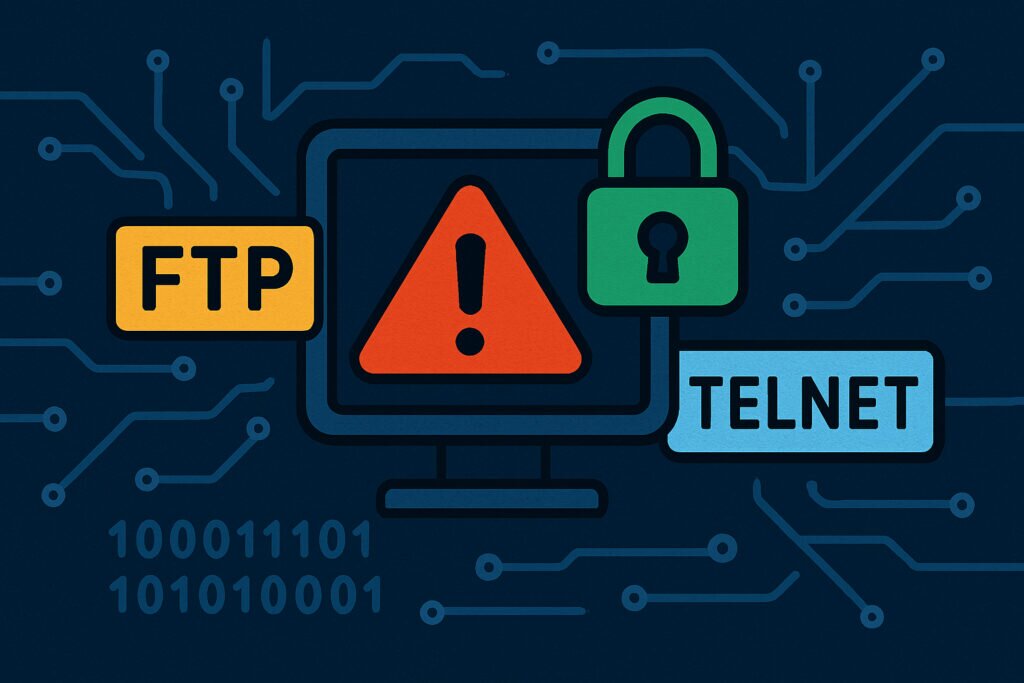
If you’re running a server in 2026, having FTP (port 21) or Telnet (port 23) open is like leaving your front door unlocked in a high-crime neighborhood. These protocols were designed in the 1970s when the internet was a trusted network of researchers, not the threat landscape we face today. Yet surprisingly, thousands of servers still expose these ports, often without their administrators even realizing it.
The problem isn’t just theoretical. Every day, automated scanners probe millions of IP addresses looking for these exact ports. When they find them, attackers have a clear pathway to attempt brute-force attacks, credential stuffing, or exploiting known vulnerabilities in outdated FTP and Telnet services.
Why These Ports Remain So Dangerous
The fundamental issue with both FTP and Telnet is that they transmit everything in plaintext. Usernames, passwords, commands, file contents – all of it travels across the internet completely unencrypted. Anyone positioned between you and your server can intercept and read this data.
I learned this lesson the hard way about a decade ago when managing a client’s legacy server. We had an old FTP service running that “nobody used anymore.” Except someone did use it – an attacker who had been quietly monitoring the traffic, captured credentials, and used them to upload malicious files. The cleanup took weeks and cost the client thousands in downtime.
But plaintext transmission isn’t the only problem. These protocols also lack modern authentication mechanisms. There’s no two-factor authentication, no certificate-based verification, and minimal logging of suspicious activities. They’re built on trust assumptions that simply don’t apply to today’s internet.
The Telnet Problem: Remote Access Without Protection
Telnet was revolutionary when it was created – the ability to remotely control a computer from anywhere. But that was before encrypted alternatives existed. Today, using Telnet for remote administration is essentially broadcasting your admin credentials to anyone listening.
What makes Telnet particularly dangerous is that it’s often forgotten. System administrators migrate to SSH for their daily work, but the Telnet service keeps running in the background. It becomes an invisible attack vector, quietly listening on port 23, waiting for someone to discover it.
Attackers know this. They specifically target Telnet ports with dictionary attacks and credential lists from previous breaches. The process is fully automated – compromising a Telnet-enabled server can take minutes once it’s discovered.
FTP: The File Transfer Time Bomb
FTP presents a different but equally serious risk profile. While Telnet gives system access, FTP provides a direct pathway to upload and download files. This makes it an attractive target for several attack scenarios.
The most common attack I’ve seen involves uploading webshells or backdoors through compromised FTP accounts. Once an attacker has FTP access, they can often write to web-accessible directories, giving them a persistent presence on your server even if you later change passwords.
Anonymous FTP configurations are particularly problematic. Some administrators enable anonymous access for legitimate file sharing but forget to properly restrict write permissions. This creates an open invitation for attackers to use your server as a distribution point for malware or illegal content.
Real-World Attack Patterns
Modern attacks against FTP and Telnet follow predictable patterns. First, automated scanners identify open ports across IP ranges. This happens constantly – if you open port 21 or 23, you’ll see connection attempts within hours.
Next comes the credential attack phase. Attackers try default credentials (admin/admin, root/password), common passwords, and credentials from breach databases. With FTP, they might also attempt anonymous login or exploit buffer overflow vulnerabilities in older server software.
If credentials are compromised, attackers move quickly. For Telnet, they typically install backdoors, create new admin accounts, or pivot to other systems on your network. For FTP, they upload malicious files, exfiltrate sensitive data, or use your server as a staging ground for other attacks.
What You Should Do Instead
The solution is straightforward: close these ports and use modern alternatives. For remote administration, SSH (port 22) provides encrypted, secure access with strong authentication options including key-based authentication. Every Linux distribution supports SSH out of the box, and it’s become the standard for good reason.
For file transfers, use SFTP (SSH File Transfer Protocol) or FTPS (FTP over SSL/TLS). SFTP runs over the SSH protocol and encrypts all data in transit. FTPS adds TLS encryption to traditional FTP. Both are supported by modern FTP clients, so the transition is usually painless.
If you absolutely must maintain FTP or Telnet for legacy systems, implement strict firewall rules. Limit access to specific IP addresses, use VPN tunnels, and consider running these services on non-standard ports. But honestly, the better approach is to upgrade or replace any systems that require these outdated protocols.
Checking Your Exposure
Many administrators don’t realize they have FTP or Telnet running until it’s too late. These services might have been installed years ago, started automatically during system updates, or left behind by previous administrators.
Regular port scanning of your own infrastructure is essential. Tools like nmap or online services can show you exactly what ports are visible from the internet. Check not just your main servers but also network equipment, IoT devices, and forgotten development systems.
Common Questions About Port Security
Can’t I just use a strong password? No. Strong passwords don’t protect against plaintext transmission. Anyone intercepting the traffic gets your password regardless of its complexity.
What if I’m behind a firewall? Firewalls help, but they’re not foolproof. Misconfigurations happen, and internal threats are real. Defense in depth means not relying on any single security measure.
Is FTPS as secure as SFTP? Both provide encryption, but SFTP is generally considered simpler to configure correctly and works better with firewalls since it uses a single port.
The bottom line is simple: FTP and Telnet had their time, but that time has passed. In 2026, keeping these ports open is an unnecessary risk that’s easily avoided with modern alternatives. Your future self will thank you for making the switch now rather than after a breach.