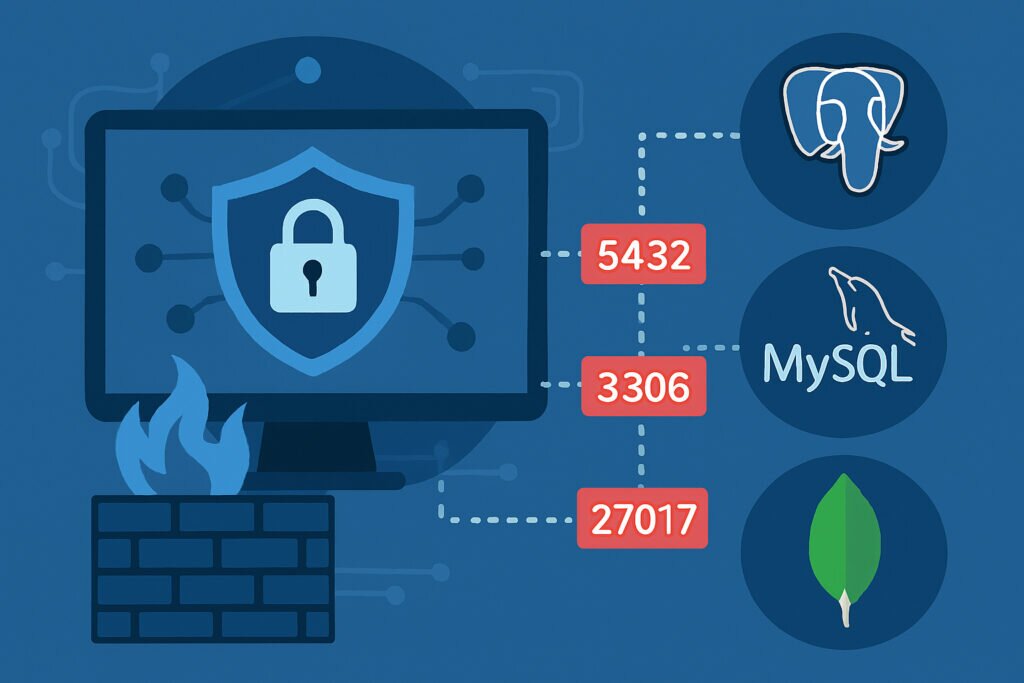
If you’re running database servers, chances are you’ve got ports 5432, 3306, or 27017 exposed to the internet – and that’s a massive security risk. These default ports for PostgreSQL, MySQL, and MongoDB are the first things attackers scan for when looking for vulnerable databases. Understanding how to secure these ports isn’t just good practice; it’s essential for protecting your data from unauthorized access, ransomware, and data breaches.
Why Database Ports Are Prime Targets
Database ports are incredibly attractive to attackers because they often contain the crown jewels of your infrastructure: customer data, financial records, authentication credentials, and business-critical information. When these ports are accessible from the internet, attackers can attempt brute force attacks, exploit known vulnerabilities, or take advantage of weak authentication.
I learned this the hard way years ago when managing a client’s MySQL server. We had left port 3306 accessible from anywhere, thinking our strong password was enough protection. Within two weeks, the logs showed thousands of authentication attempts from IP addresses across the globe. We immediately implemented proper firewall rules, but it was a wake-up call about how actively these ports are scanned.
Understanding the Default Ports
Each major database system uses a specific default port. PostgreSQL operates on port 5432, MySQL and MariaDB use port 3306, and MongoDB listens on port 27017. While you can change these defaults, most installations keep them standard, which makes automated scanning incredibly easy for attackers.
The problem with default ports is that they’re the first thing security scanners check. Services like Shodan actively index internet-connected databases, and attackers use this information to find potential targets. This is exactly why external port scanning services exist – to help you identify these exposures before attackers do.
The Golden Rule: Never Expose Database Ports Directly
The single most important security principle for database ports is simple: they should never be directly accessible from the public internet. Your database server should only accept connections from your application servers or specific trusted IP addresses. This is accomplished through proper firewall configuration.
On a Debian server using UFW (Uncomplicated Firewall), you would allow PostgreSQL only from your application server’s IP:
ufw allow from 192.168.1.10 to any port 5432
For MySQL, the same principle applies. If your application server has IP 192.168.1.15, you’d configure:
ufw allow from 192.168.1.15 to any port 3306
Binding to Localhost When Possible
If your database and application run on the same server, configure your database to listen only on localhost (127.0.0.1). This completely eliminates external network access to the database port.
For PostgreSQL, edit postgresql.conf and set:
listen_addresses = ‘localhost’
For MySQL, edit my.cnf and set:
bind-address = 127.0.0.1
MongoDB’s configuration file should include:
net:
bindIp: 127.0.0.1
Using Non-Standard Ports: Does It Help?
Some administrators change default ports thinking it adds security through obscurity. While this can reduce automated scanning attempts, it shouldn’t be your primary defense. Determined attackers will scan all ports, and changing ports doesn’t address the fundamental security issues.
That said, non-standard ports can reduce noise in your logs from automated bots. If you do change ports, make sure to update your firewall rules accordingly and document the change thoroughly for future administrators.
Authentication and Access Control
Strong authentication is your second line of defense. Never use default credentials or weak passwords. PostgreSQL’s pg_hba.conf file controls authentication methods – always require password authentication at minimum, and consider certificate-based authentication for production environments.
MySQL and MariaDB should have specific user accounts with limited privileges. Avoid using the root account for applications. Create dedicated users with only the permissions they need:
CREATE USER ‘appuser’@’192.168.1.10’ IDENTIFIED BY ‘strong_password’;
GRANT SELECT, INSERT, UPDATE ON database_name.* TO ‘appuser’@’192.168.1.10’;
MongoDB requires explicit authentication to be enabled, which surprisingly isn’t the default in some older versions. Always enable authentication and use role-based access control.
Encrypted Connections Are Non-Negotiable
Even when database ports are properly firewalled, connections should be encrypted using SSL/TLS. This protects against man-in-the-middle attacks and ensures credentials aren’t transmitted in plaintext over your network.
PostgreSQL supports SSL connections natively. MySQL and MariaDB require SSL configuration in both server and client. MongoDB Enterprise has built-in TLS support, while the Community Edition requires additional configuration.
Regular Monitoring and Port Scanning
Security isn’t a one-time setup – it requires ongoing monitoring. Regular external port scans help you verify that your database ports aren’t accidentally exposed. Internal network changes, firewall rule updates, or configuration mistakes can inadvertently open ports that should remain closed.
Automated monitoring services continuously scan your public IP addresses and alert you immediately if database ports become accessible. This proactive approach catches misconfigurations before attackers exploit them.
Common Mistakes to Avoid
The biggest mistake is assuming your cloud provider’s default security group settings are sufficient. They often allow all outbound traffic and sometimes have overly permissive inbound rules. Always review and tighten these rules.
Another common error is opening ports “temporarily” for testing and forgetting to close them. Document every firewall rule change and set reminders to review temporary access grants.
Conclusion
Securing database ports requires multiple layers: proper firewall configuration, strong authentication, encrypted connections, and continuous monitoring. The effort invested in proper security pays off by preventing data breaches that could cost your business far more than the time spent implementing these controls. Start by auditing your current database port exposure, implement firewall rules, and establish regular scanning to maintain security over time.