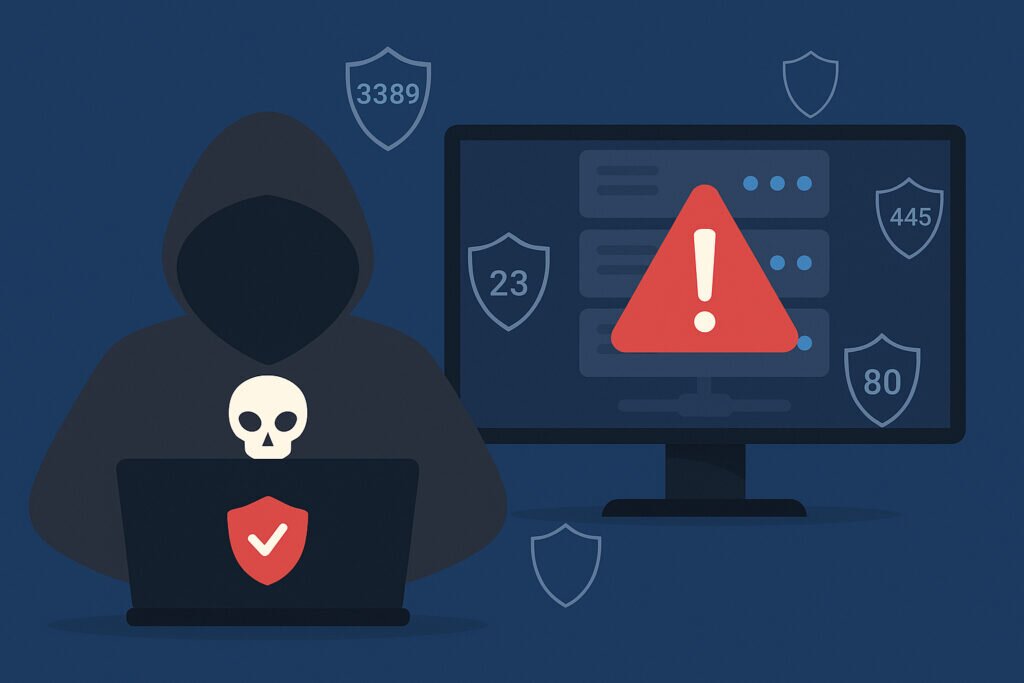
If you’re running a public-facing server, every open port is a potential entry point for attackers. Knowing the most dangerous ports to leave open helps you prioritize what to lock down first – before automated scanners find them for you.
The reality is harsh: bots are constantly probing the internet for exposed services. They don’t care if you’re a Fortune 500 company or running a small blog. An open port with a vulnerable service is all they need.
Why Some Open Ports Are More Dangerous Than Others
Not all ports carry the same risk. The most dangerous ports are those running services with a history of critical vulnerabilities, weak default configurations, or plaintext protocols. Attackers prioritize these because the payoff is higher and exploitation is often trivial.
I learned this early in my career when I left SSH on port 22 with password authentication enabled. Within hours, my logs showed thousands of brute-force attempts. That was a wake-up call about how fast exposed services get targeted.
Port 21 – FTP and Port 23 – Telnet
FTP and Telnet are relics that transmit everything in plaintext – including passwords. Attackers can intercept credentials with simple packet sniffing, and both protocols have a long history of directory traversal and remote code execution vulnerabilities.
There’s no good reason to expose either port publicly in 2026. Switch to SFTP or SCP for file transfers and SSH for remote access. If you’re still running these, read our deep dive on the hidden risks of FTP and Telnet ports for a full migration plan.
Port 3306, 5432, and 1433 – Database Ports
Exposing MySQL, PostgreSQL, or MSSQL directly to the internet is like leaving your filing cabinets on the sidewalk. These database ports should never be publicly accessible unless you have an extremely specific reason and multiple layers of protection.
I’ve seen databases wiped and held for ransom simply because port 3306 was open with a weak password. The fix is straightforward: bind the database to localhost, use SSH tunneling for remote access, and block these ports at the firewall level. No exceptions.
Port 3389 – Remote Desktop Protocol
RDP is probably the single most attacked service on the internet today. Exposing port 3389 publicly is essentially an open invitation. Weak passwords, unpatched vulnerabilities, and the full graphical access RDP provides make it incredibly dangerous.
A colleague once left RDP open on a test server with a simple password. Within 48 hours it was mining cryptocurrency for someone in Eastern Europe. Use a VPN instead, implement two-factor authentication, and consider disabling RDP entirely in favor of SSH. We cover this in detail in our RDP security guide.
Port 445 – SMB
Remember WannaCry and NotPetya? Both spread primarily through SMB vulnerabilities on port 445. This protocol was designed for local network file sharing, not internet-facing use. It has had more critical CVEs than most admins can keep track of.
Block port 445 at the firewall. No debate. If you need file sharing across locations, use a VPN or cloud-based solution designed for public networks.
Port 8080 and 8443 – Alternative Web Ports
These ports often run admin panels, development servers, or secondary web applications. The common assumption is that they’re “hidden” because they’re not port 80 or 443. That’s a myth worth busting: attackers scan all 65,535 ports routinely. Running something on 8080 doesn’t hide it – it just means you probably forgot to secure it.
I’ve found admin panels on port 8080 with default credentials more times than I can count. If you use these ports, apply the same security standards as your main web server: strong authentication, up-to-date software, rate limiting, and IP restrictions for admin functions.
Port 25 – SMTP
A misconfigured SMTP relay on port 25 turns your server into a spam cannon. Your IP gets blacklisted, legitimate email stops flowing, and cleanup takes days. Even properly configured mail servers face credential stuffing and exploitation of known vulnerabilities.
Use submission ports 587 or 465 with mandatory authentication for sending mail. Restrict port 25 to trusted mail servers only, and implement SPF, DKIM, and DMARC.
Port 6379 – Redis
Redis is frequently deployed without authentication because it’s “only on the internal network.” Except when it isn’t. Accidentally exposed Redis instances have caused high-profile breaches because the default config requires no password. Attackers can read cached data, modify it, or leverage Redis commands to gain shell access.
Bind Redis to localhost, enable authentication, and – most importantly – verify from outside your network that it’s actually not reachable. What you think is internal-only and what’s actually exposed are often two different things.
How to Find and Close Dangerous Ports
You can’t fix what you can’t see. Run external port scans regularly to see what attackers see. Scanning from localhost won’t show you the real picture – you need an outside perspective.
The key is making this a continuous process, not a one-time check. Configuration changes, software updates, and new services can silently open ports you didn’t expect. Tools like PortVigil perform continuous external scanning and alert you immediately when something changes, so you catch issues before attackers do. For a broader view of which ports hackers target first, that’s worth reviewing alongside this list.
Common Questions About Dangerous Ports
Does changing to a non-standard port number make a port safe?
No. It reduces noise from automated scans hitting default ports, but any serious attacker scans all ports. Treat it as a minor layer, not a real defense. Proper authentication, patching, and firewall rules are what actually protect you.
How often should I scan for open ports?
At minimum, weekly and immediately after any configuration change. Ideally, use continuous monitoring that alerts you in real time when a new port appears.
Is a firewall enough to protect these ports?
Only if it’s correctly configured and regularly audited. Many breaches happen because a firewall rule was accidentally changed or a new service bypassed existing rules. Pair firewall management with external scanning to verify your rules actually work.
The bottom line: treat every open port as a liability until you’ve confirmed it needs to be there and it’s properly secured. Your server’s security starts with the smallest possible attack surface.