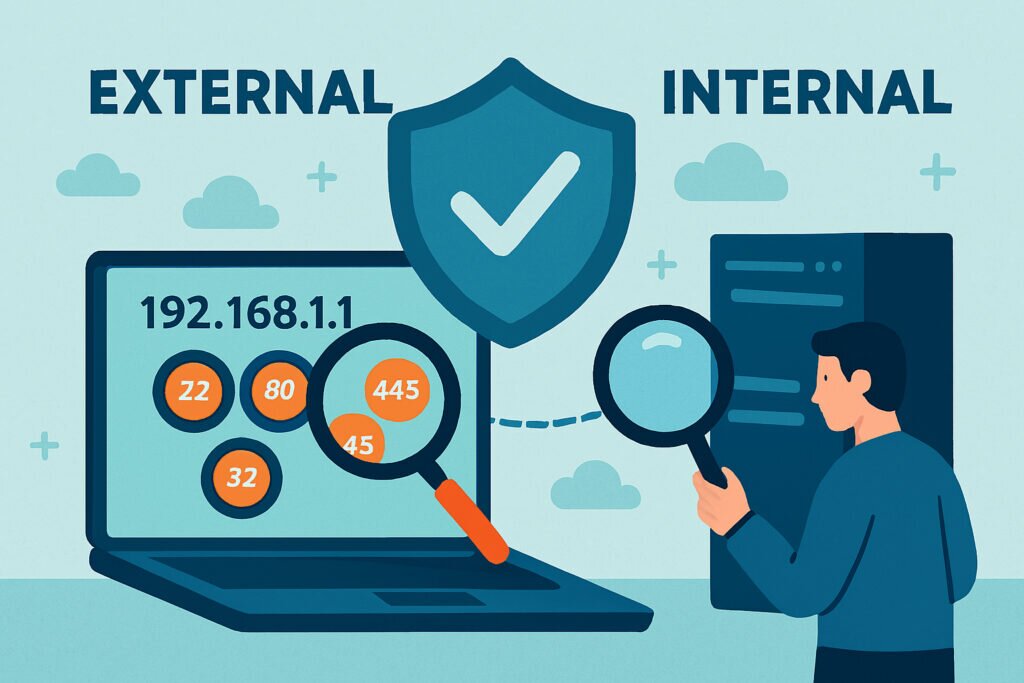
Most system administrators run regular internal security audits, check their firewall rules, and feel confident their server is locked down. Then one day, they discover an unexpected service exposed to the internet – maybe an old database port left open during testing, or a management interface that was supposed to be internal-only. The problem? Internal security checks only show you what you think is there, not what attackers actually see. Understanding why external port scans beat internal security checks can fundamentally change how you approach server hardening.
The Blind Spot in Internal Security Audits
When you’re inside your network, you’re operating with assumptions. You assume your firewall rules are correct. You assume that service you disabled actually stopped listening. You assume the network configuration you set up six months ago is still in place. But reality doesn’t care about assumptions.
I learned this the hard way a few years back when managing servers for a client. We had strict internal policies – everything was documented, firewall rules were reviewed quarterly, the works. Then a routine external scan revealed port 8080 was wide open, running an outdated version of Tomcat we thought we’d decommissioned. It had been sitting there for eight months, completely visible to anyone who bothered to look. Our internal checks never caught it because we weren’t looking at what was actually exposed – we were checking what should have been there according to our documentation.
What External Port Scans Actually Show You
An external port scan gives you the attacker’s perspective. It doesn’t care about your network diagrams or your security policy documents. It simply tells you: here are all the ports accepting connections from the internet right now, on this IP address. This is your actual attack surface.
The difference is crucial. Internal tools like netstat or ss show you what’s listening locally, but they don’t show you what’s made it through your firewall, your cloud security groups, or your network address translation. External scans reveal the truth – the services that anyone with your public IP address can reach and potentially exploit. If you’ve never audited your infrastructure from the outside, you might be surprised by how many unnecessary open ports are actually reachable.
Configuration Drift Happens to Everyone
Even with the best intentions, server configurations drift over time. Someone needs to troubleshoot an issue and temporarily opens a port. A Docker container gets deployed with unexpected port mappings. A cloud security group rule gets added during an emergency and never removed. Automated deployment scripts change without updating the documentation.
This isn’t about carelessness – it’s about the reality of managing production systems. Things change, emergencies happen, multiple people make modifications. Your internal security checklist from three months ago doesn’t reflect what’s actually exposed today. External scanning catches these changes because it doesn’t rely on documentation or memory. There’s a real gap between what firewall rules catch and what continuous port monitoring reveals.
Different Services, Different Visibility
Some services are inherently designed to be less visible internally. Take SSH running on a non-standard port, or a web service bound to a specific interface. Your internal scan might miss these if you’re not checking every possible port and interface combination. But an external scan doesn’t care where you think SSH should be – it finds whatever is actually responding.
Modern servers often run multiple virtualized environments, containers, or services with their own networking configurations. Each layer adds complexity and potential for misconfiguration. An external view cuts through all of that complexity and shows the bottom line: what can an attacker reach?
The Version Detection Problem
Knowing a port is open is one thing. Knowing what specific version of software is running on that port is another level entirely. External scans that include service detection can identify not just that port 443 is open, but that it’s running nginx 1.14.0 – a version with known vulnerabilities.
This matters because attackers aren’t just looking for open ports, they’re looking for exploitable versions. Your internal audit might confirm nginx is running, but unless you’re actively tracking versions against vulnerability databases, you might not realize you’re running outdated software with published exploits. Understanding how version detection helps identify vulnerable services is a key part of building a proper external scanning workflow.
Continuous Monitoring Makes the Difference
A one-time external scan is useful. Continuous external monitoring is essential. Server configurations change constantly – updates get installed, new services get deployed, troubleshooting happens. What was secure yesterday might not be secure today.
Running external scans daily or weekly means you catch problems quickly. That port accidentally opened during last night’s deployment? You know about it this morning. That service that was supposed to be internal-only but somehow became internet-facing? You get an alert before attackers find it. Setting up automated alerts for new open ports turns passive scanning into active defense.
Myth: Your Firewall Blocks Everything by Default
Firewalls are configured by humans, and humans make mistakes. Cloud security groups get modified, rules accumulate over time, and exceptions get added. I’ve seen environments where the firewall had over 200 rules and nobody could confidently say what each one did anymore. Trust, but verify with external scans.
Another persistent myth is that running services on non-standard ports provides real security. SSH on port 2222 instead of 22 might reduce automated noise, but it doesn’t stop a proper port scan from finding it in seconds. And non-standard configurations often get less security scrutiny than their standard counterparts.
The biggest myth of all? That internal audits are more thorough. Internal audits are more detailed about what’s configured, but external scans are more accurate about what’s exposed. You need both perspectives to get the full picture.
Practical Implementation
Set up automated external port scanning against your public IP addresses at least weekly. Configure alerts for any new ports that appear or any version changes in running services. Compare results against your expected baseline – any deviation deserves investigation.
When a scan reveals something unexpected, don’t just close the port. Investigate why it was open. Was it a configuration error? A deployment issue? A forgotten testing setup? Understanding the root cause prevents the same problem from recurring.
FAQ
Can’t I just use nmap from inside my network to get the same results?
No. Running nmap internally shows you what’s listening on the machine, but it doesn’t account for firewall rules, security groups, NAT configurations, or any other network layer between your server and the internet. An external scan shows exactly what an attacker would see – and that’s often different from what you see inside.
How often should I run external port scans?
At minimum, weekly. If your environment changes frequently – deployments, scaling events, configuration updates – daily scans are better. The goal is to catch unintended changes before an attacker does. Continuous monitoring services that scan automatically are the most reliable approach.
Is external port scanning legal?
Scanning your own infrastructure is completely legal. You own the servers, you’re checking your own security posture. Just make sure you’re scanning IP addresses that belong to you or that you have explicit written authorization to test. Scanning third-party infrastructure without permission is a different story entirely.
The Bottom Line
Internal security checks tell you what you think is happening. External port scans tell you what’s actually happening. Both are necessary, but if you only do one, make it external scanning. Because at the end of the day, attackers don’t care about your internal security policies – they care about what they can reach from the outside. You should care about the same thing.