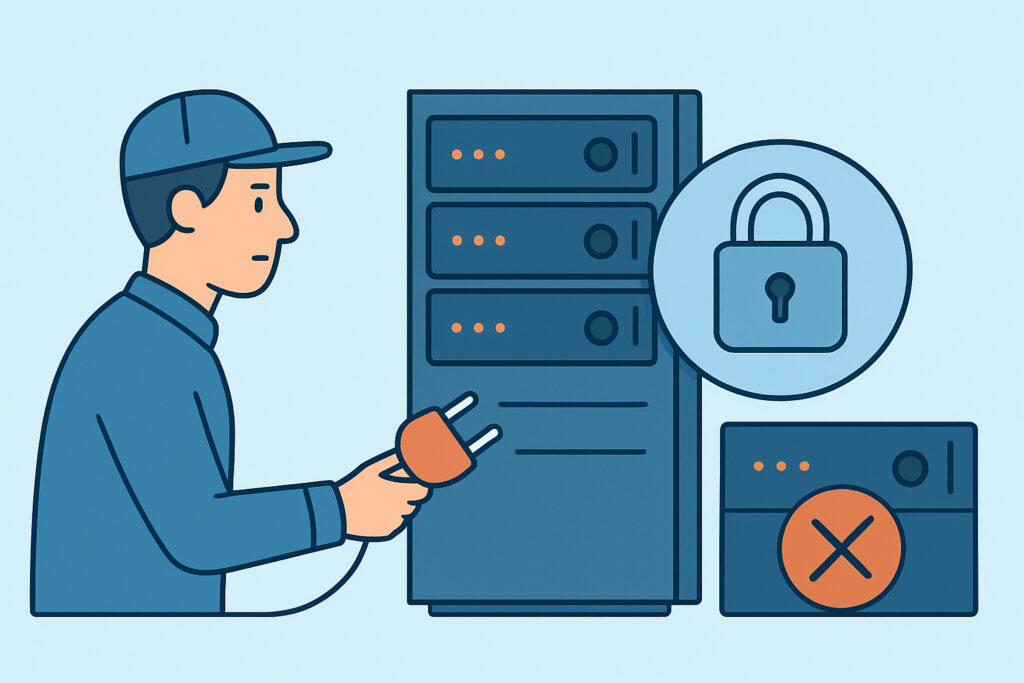
Decommissioning a server feels like the easy part of the infrastructure lifecycle – shut it down, reclaim the rack space or cloud instance, move on. But when you decommission old servers without a documented process, the ports and services that ran on them have a habit of outliving the hardware, either on a forgotten VM snapshot, a reassigned IP address, or a DNS record nobody deleted.
Why Retired Servers Still Show Up in External Scans
A server doesn’t disappear from the internet just because someone powered it off in the rack. Its public IP often gets reassigned to a new tenant within days on AWS or DigitalOcean, and if the old firewall rules or load balancer entries weren’t cleaned up, the new owner inherits an open port they never asked for.
On-prem, the more common failure is the opposite: the box stays racked “just in case” for six months, still plugged into the network, still answering on port 3389 or 445, quietly aging past its last patch. A 2023 audit finding cited by several MSSPs is that roughly one in six breaches involving lateral movement started on a host the security team believed was already retired.
Build a Decommissioning Checklist Before You Touch the Power Button
The failure mode is almost always sequencing – someone stops the application but leaves the network path alive, or reclaims the IP before confirming DNS and monitoring no longer point at it. A workable order looks like this:
– Confirm no dependent service still calls the host (check load balancer pools, cron jobs, backup agents, monitoring configs, and hardcoded IPs in application configs)
– Revoke credentials and API keys tied to the host, then pull it from the CMDB and DNS zone files
– Close every listening port at the firewall level, not just stop the service – a stopped Apache process still leaves port 80 configured if the rule wasn’t removed
– Snapshot or archive the disk if required for compliance retention, then wipe it
– Run an external scan against the host’s former IP 48–72 hours after decommission to confirm nothing is still answering
That last step catches the cases everyone forgets: a systemd unit that respawns a service on reboot, or a Docker container with a restart policy that nobody disabled. Closing ports without breaking dependent services is its own discipline, and it applies just as much to a server on its way out as one still in production.
What Happens to the IP Address After You Walk Away
In cloud environments, IP reclamation is fast. AWS can reassign an Elastic IP within minutes of release, and Azure’s public IP pool churns constantly. If your organization used a static IP for a decommissioned mail relay running Postfix on port 25, and DNS MX records weren’t updated, mail meant for you can start arriving at whoever gets that IP next – or an attacker who registered it deliberately, a technique documented as IP squatting in several 2022 Recorded Future reports.
On-prem, the risk runs the other direction: the IP sits idle on the LAN, still routable, still reachable from anywhere with internal access, because nobody removed the VLAN entry or the static ARP mapping. A network engineer doing a routine subnet audit is often the one who finds a “retired” file server still responding to SMB requests eighteen months after the project it supported ended.
Common Mistakes Teams Make When Retiring Servers
The most frequent one is treating decommissioning as a ticket-closing exercise rather than a security control. The change ticket says “server decommissioned,” but nobody verifies it externally – they trust the ticket status instead of the network.
The second is disconnecting the server from monitoring before confirming it’s actually offline. Once a host drops out of Nagios or Datadog, it also drops out of anyone’s attention, which means a partially-shutdown server – one where the OS is off but a management interface like iDRAC or iLO is still powered and listening – can sit exposed indefinitely with nobody watching for it.
The third is skipping the final external verification scan because the internal checklist was already signed off. Internal tools report what they expect to see; an external scan reports what’s actually reachable from the internet, which is the only view that matters to an attacker.
Busting the Myth That Decommissioning Is a One-Time Event
A common assumption is that once a server is powered off and the ticket is closed, the risk is gone. It isn’t – the risk transfers to whoever ends up with that IP, that hostname, or that leftover firewall rule. Legacy infrastructure carries technical debt long after the original system is retired, and unmonitored decommission trails are one of the more overlooked forms of that debt. Teams that build a documented, repeatable retirement process – ideally tied to the same baseline they use for new deployments – catch the gap before it becomes someone else’s incident.
Frequently Asked Questions
How long should I keep monitoring a server’s IP after decommissioning it?
At minimum, run one external scan 48–72 hours after shutdown to confirm nothing responds, then a second check after 30 days if the IP hasn’t been released back to a provider pool. For on-prem static IPs still on your LAN, keep them in the monitoring rotation for at least one full patch cycle.
Is it enough to just stop the services running on the server?
No. Stopping a service often leaves the firewall rule, the load balancer target, and the systemd or Docker restart policy in place. Any of those can bring the port back after a reboot or an automated recovery action.
What’s the biggest risk with cloud IP addresses after decommissioning?
IP reuse. A released Elastic IP or floating IP can be reassigned to another tenant within minutes, so any DNS records, API integrations, or webhook callbacks still pointing at that address need to be cleaned up before, not after, release.
Decommissioning is a security control, not an IT housekeeping task – the last useful thing to do with a retired server is confirm from the outside that it’s actually gone.